
Most install problems start with the wrong cable. Here is every Motive Vehicle Gateway cable by number and the port it belongs on.
Look at the diagnostic port before you pick a cable. Cars and light trucks built after 1996 usually have a 16-pin OBD-II port, often under the dash near the driver. Heavy-duty trucks use a 9-pin J1939 port, an older 6-pin J1708 port, or an RP1226 port on newer trucks. Motive says the OBD-II cable is for light-duty vehicles only. Heavy-duty trucks need the J1939, 6-pin, RP1226 or a specialty cable.
Each cable has its number on a label, so you can confirm what is in your hand before you plug it in. The AI Dashcam Plus install in the Fleet App asks you to pick the cable number.

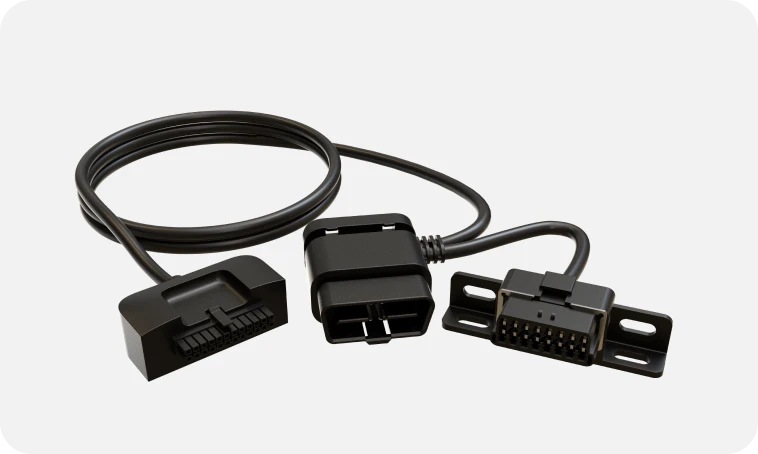
| Cable | What it is for |
|---|---|
| 3010, 3015, 3017, 3018 | Light-duty vehicles with an OBD-II port |
Cable 3015 plugs straight into the diagnostic port and is the fastest install. Use a zip tie to fasten the shorter cable with the spare connector to the main cable near that connector. Cable 3018 is a Y-cable that keeps the diagnostic port available, which suits installs where the unit should stay out of sight. You remove the factory port from its dash receptacle, plug the Motive male end into it, and seat the cable female end back in the original receptacle. In California, Motive says not to relocate the diagnostic connector, so use the direct plug-in method there. Either way the install is reversible. Unplug the gateway and the cable to remove it.

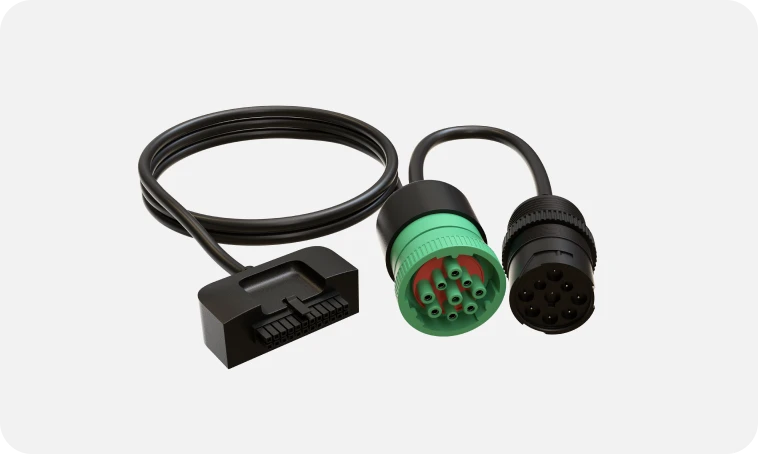

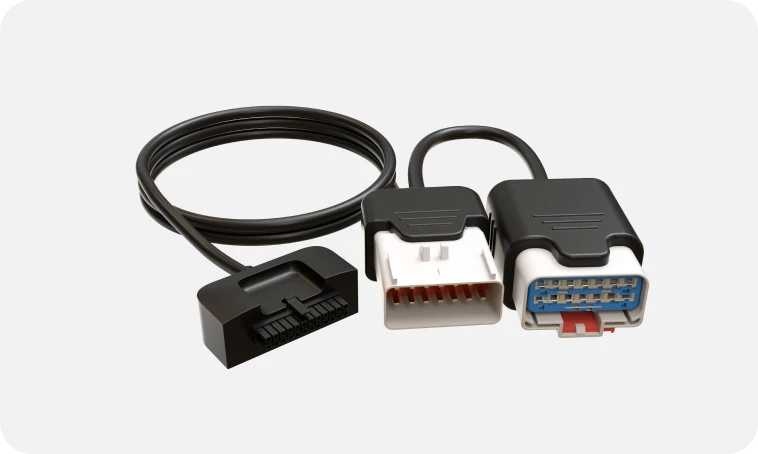
| Cable | Port | Notes |
|---|---|---|
| 3000, 3001, 3002, 3003 | 9-pin J1939 | Heavy-duty data on Freightliner, Kenworth, Peterbilt and Mack trucks |
| 3022 | 6-pin J1708 | Older heavy-duty vehicles, roughly before 2008 |
| 3035, 3036 | RP1226 | Late-model trucks such as the Freightliner Cascadia and Volvo VNL, for deeper data access |
Use the RP1226 cable if the truck has an RP1226 port. Motive recommends it for enhanced data access.
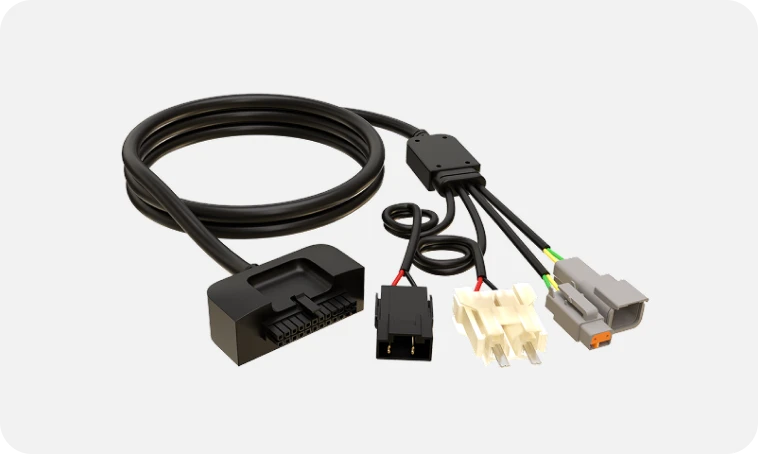
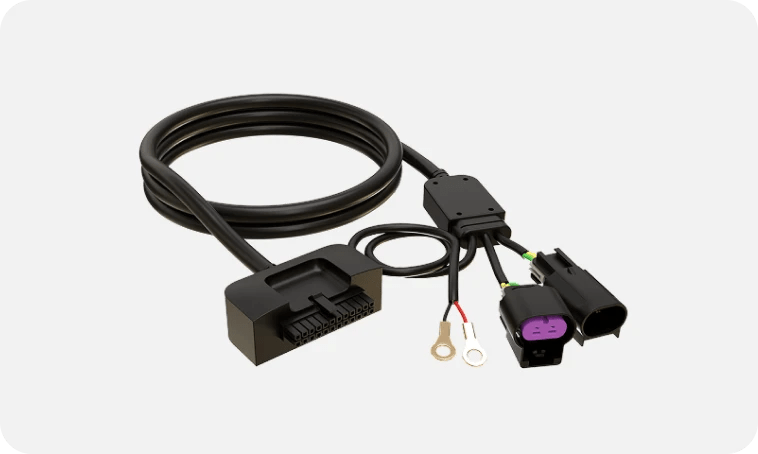


| Cable | Fits |
|---|---|
| 3030 | Volvo, 2013 to 2018 |
| 3031 | Mack, 2013 to 2018 |
| 3034 | Volvo and Mack, 2018 and newer |
| 3043 | Freightliner, 2017 and newer |
These connect to the truck's own diagnostic connectors, so check the year before you order. If the vehicle does not match, Motive points installers to its cable compatibility article or to Motive Support.

| Cable | Use |
|---|---|
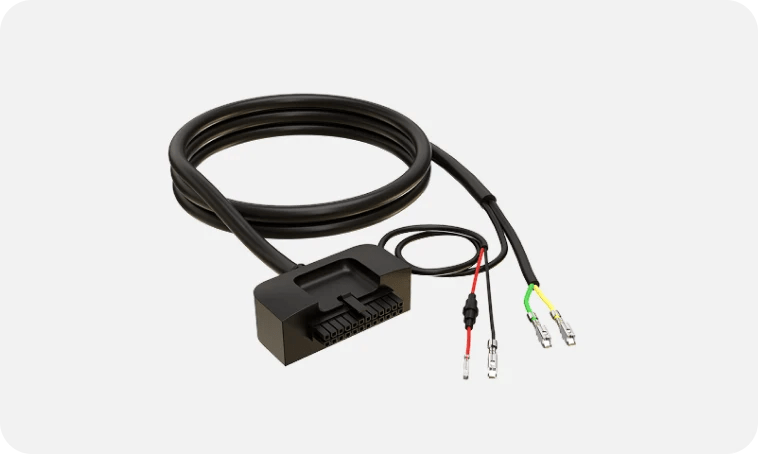
| 4020 | Hardwired install for buses, off-road, specialty, custom or older vehicles with no usable port. Also the charge and jump-start cable for Asset Gateways |
| 3044 | Hardwired adapter for dual power connections and failsafe use on any vehicle |
| 5005 | Auxiliary input for power take-off monitoring, and the serial connection for the Driver ID Reader |
| ACC-VG-002 | Auto-tap kit for vehicles that need an auxiliary or older interface connection |
For an Asset Gateway with a drained battery, Cable 4020 on a 12 volt supply of at least one amp can charge it. Motive says to use only its own cable and avoid third-party cables.
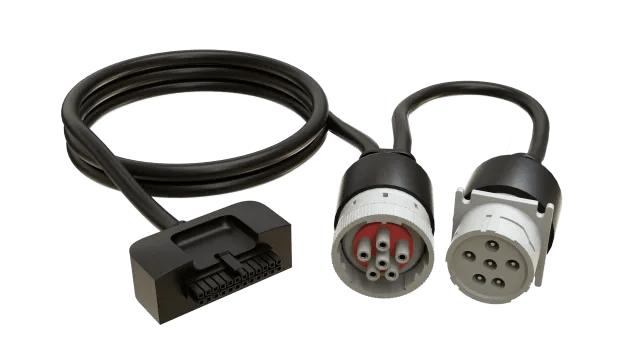
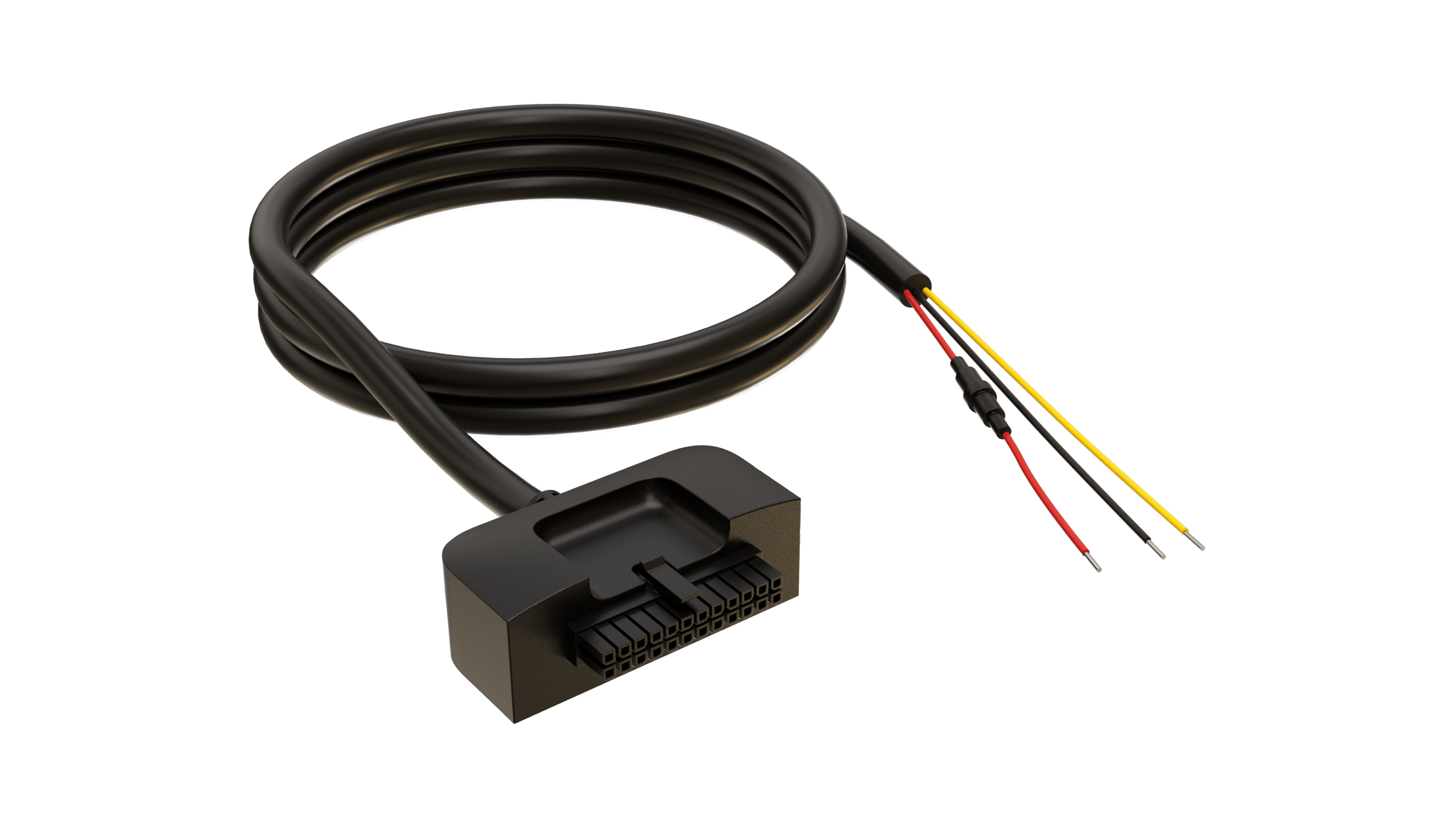
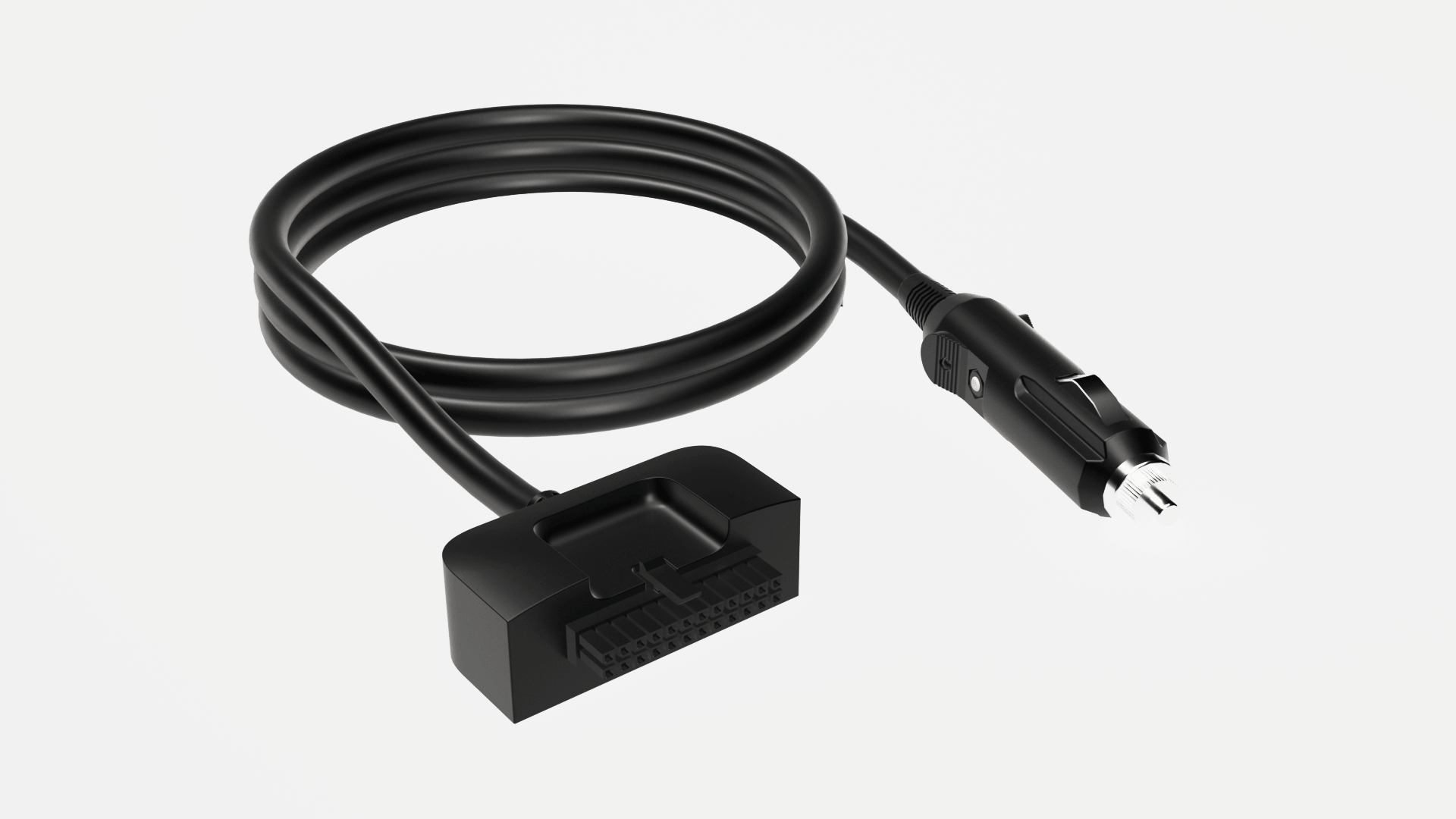
The AI Dashcam Plus ships without a cable, so you choose the one that matches the vehicle. Power runs from the diagnostic port through the Motive cable and a vehicle interface adapter to the camera. The Plus supports RP1226, OBD-II and 9-pin J1939 ports. In the Fleet App you select the cable number during the install. Motive's install pages show cables 6008, 6014 and 6017 for it, including a Y-cable for 6-pin ports and a cigarette lighter cable.
Port first, then cable. Light-duty uses the 30 series OBD-II cables, heavy-duty uses 9-pin, 6-pin or RP1226, and some trucks need a manufacturer cable. Check the number on the label before you plug in.
Walk the fleet and note each vehicle port and year before you order, so every gateway arrives with the right cable.
If you cannot tell which cable a truck needs, ask Motive Support before you buy. A wrong or damaged cable is one of the causes Motive lists when a gateway will not power up.
A car or light truck with an OBD-II port uses one of the 3010, 3015, 3017 or 3018 cables. The 3015 plugs directly into the port.
The 3018 Y-cable keeps the diagnostic port accessible. It is not an option in California, where the connector should not be moved.
Older heavy-duty trucks with a 6-pin port use Cable 3022. Newer trucks use a 9-pin J1939 cable, an RP1226 cable or a manufacturer-specific cable.
Sources: Motive help center cable articles, read Nov 25, 2026
Tell us how many vehicles you run and what you want to see, and we will match you to the right Motive devices and the install that goes with them.
We Supply It. We Install It. One Call.
