
Motive does not draw a fleet-size line on its small business page, so we plan installs around two sizes of our own. A small fleet is 1 to 10 vehicles, and a large fleet is 11 and up.
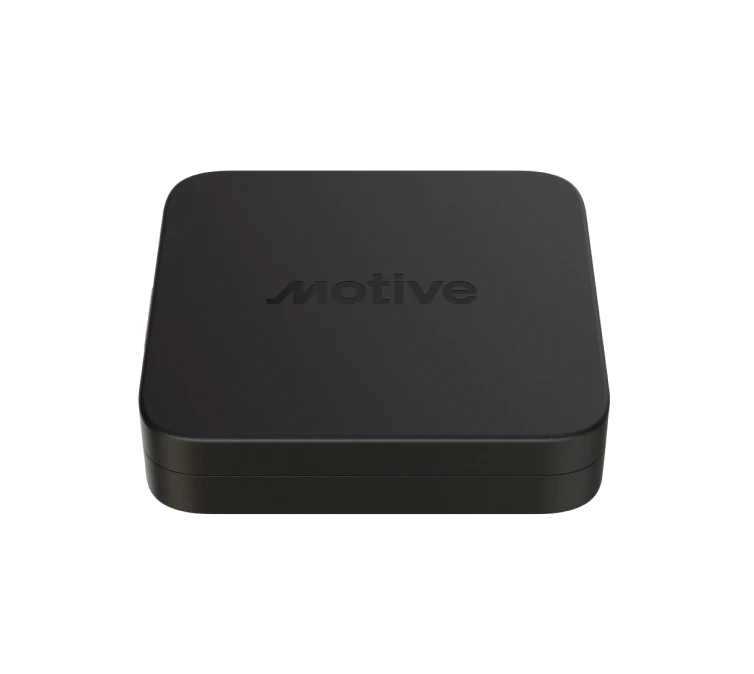
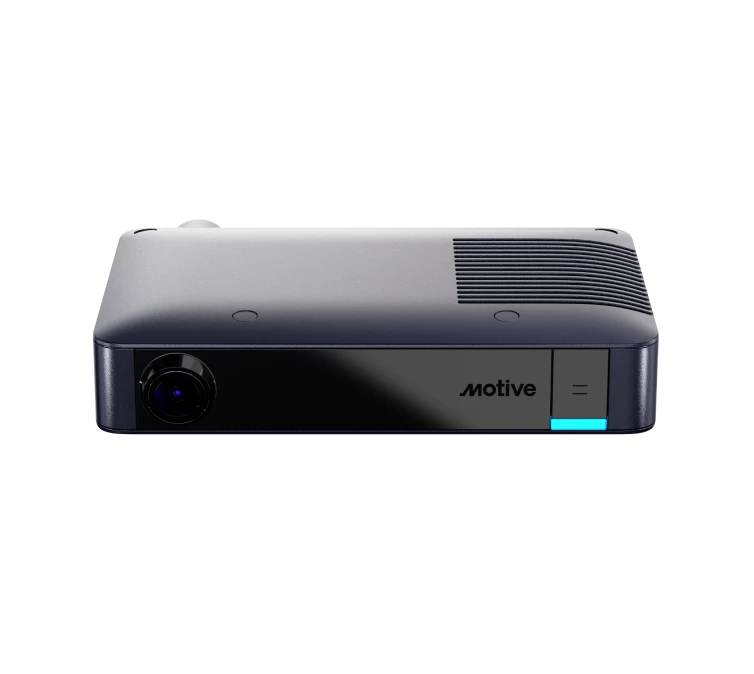
Fleet size changes how we plan the visit more than it changes the hardware. A Motive install is built from the same few parts on a ten-vehicle fleet and a two-hundred-vehicle fleet: a Vehicle Gateway in the diagnostic port, a cable that matches that port, and a camera on the vehicles that get one. What grows with the fleet is the number of different cable and camera combinations you have to line up before the first vehicle is touched.
Motive's small business page does not set a vehicle count for small business, and it does not list fleet-size ranges for its customers. It does name what it recommends for small fleets: GPS fleet tracking, driver safety including the Smart Dashcam and Safety Score, compliance with ELD and IFTA reporting, spend management, dispatch, maintenance and sustainability.
We treat that list as a menu. The hardware that goes on a vehicle depends on which items on the menu the fleet turns on. The two sizes on this page are ours, not Motive's.
With ten vehicles or fewer, every vehicle gets looked at on its own. Check each vehicle's diagnostic port before the visit, because Motive uses different cables for different ports. The Vehicle Gateway has its own cable list, and the AI Dashcam Plus has a separate cable family, so a fleet that mixes the two needs both lists. The cables and accessories page shows which cable goes with which port.
The cameras are separate hardware from the gateway. Decide up front which vehicles get a camera and which model, and order the cameras together with the gateways so each vehicle is a single visit.
Very small fleets should ask Motive what plan options and any minimums apply at their size before ordering.
Start by sorting the fleet into vehicle classes: light-duty vehicles with an OBD2 port, heavy-duty trucks with a 9-pin port, and any vehicle that needs a different connector such as RP1226, Volvo or Mack, or Freightliner. Each class gets one cable choice and one install order.
Our plan for a large fleet is to run the same order on every vehicle: cable, gateway, mount, camera, then a pairing check in the Driver App. When the last vehicle is done, compare the fleet dashboard against the vehicle list so a missing or unpaired gateway shows up on the same visit instead of a week later.
Vehicle Gateways come in two generations that reset differently. The 3.55 and older units reset by unplugging for a minute, and the 3.6 and newer units have a pinhole reset next to the USB port. Check which generation you were shipped before you stage the installs.
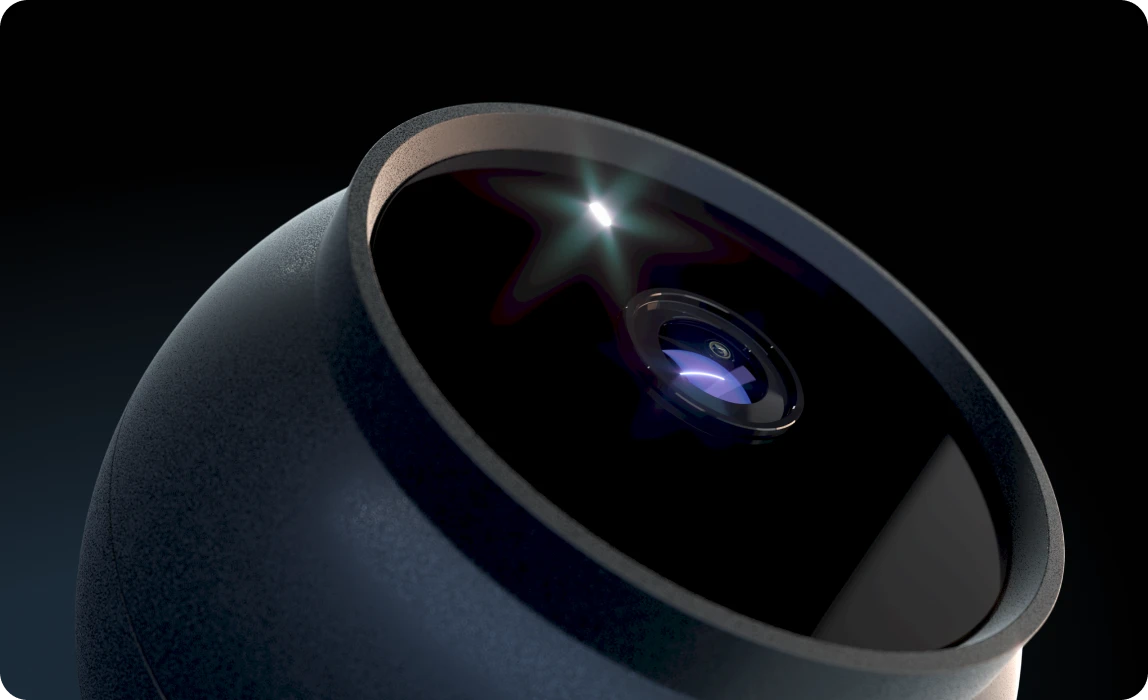
Motive sells four camera lines. The Smart Dashcam, AI Dashcam and AI Dashcam Plus mount on the windshield, and the AI Omnicam is an add-on for side, rear, passenger or cargo views. The AI Dashcam Plus comes as the DC63, which is road-facing, and the DC64, which is dual-facing.

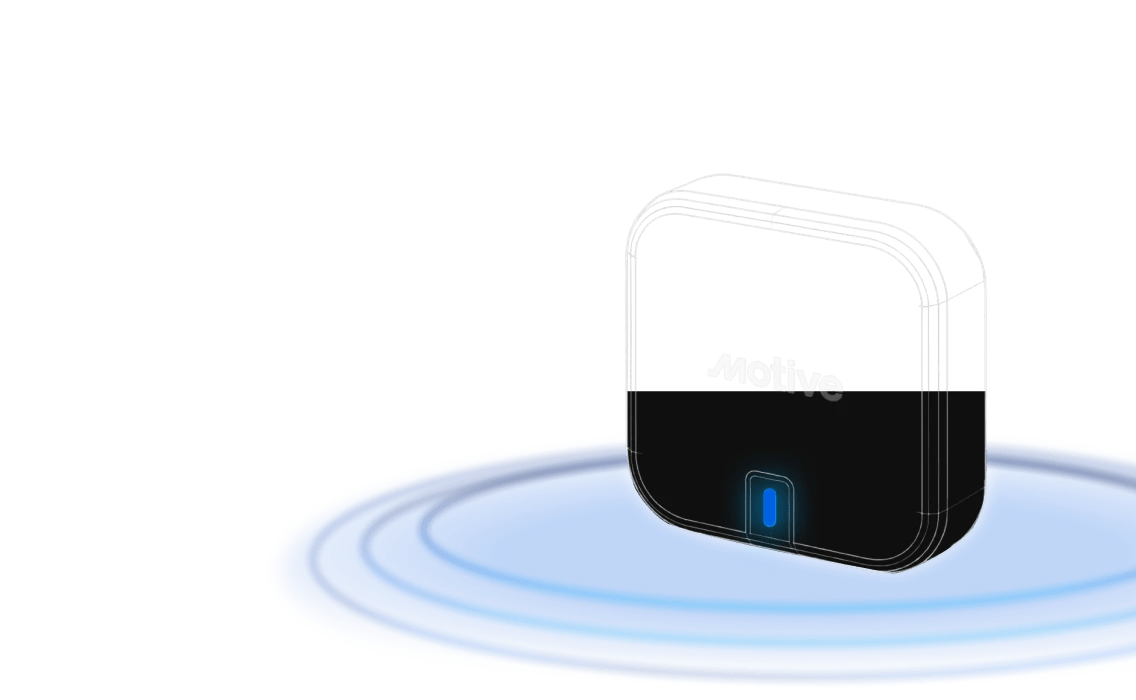
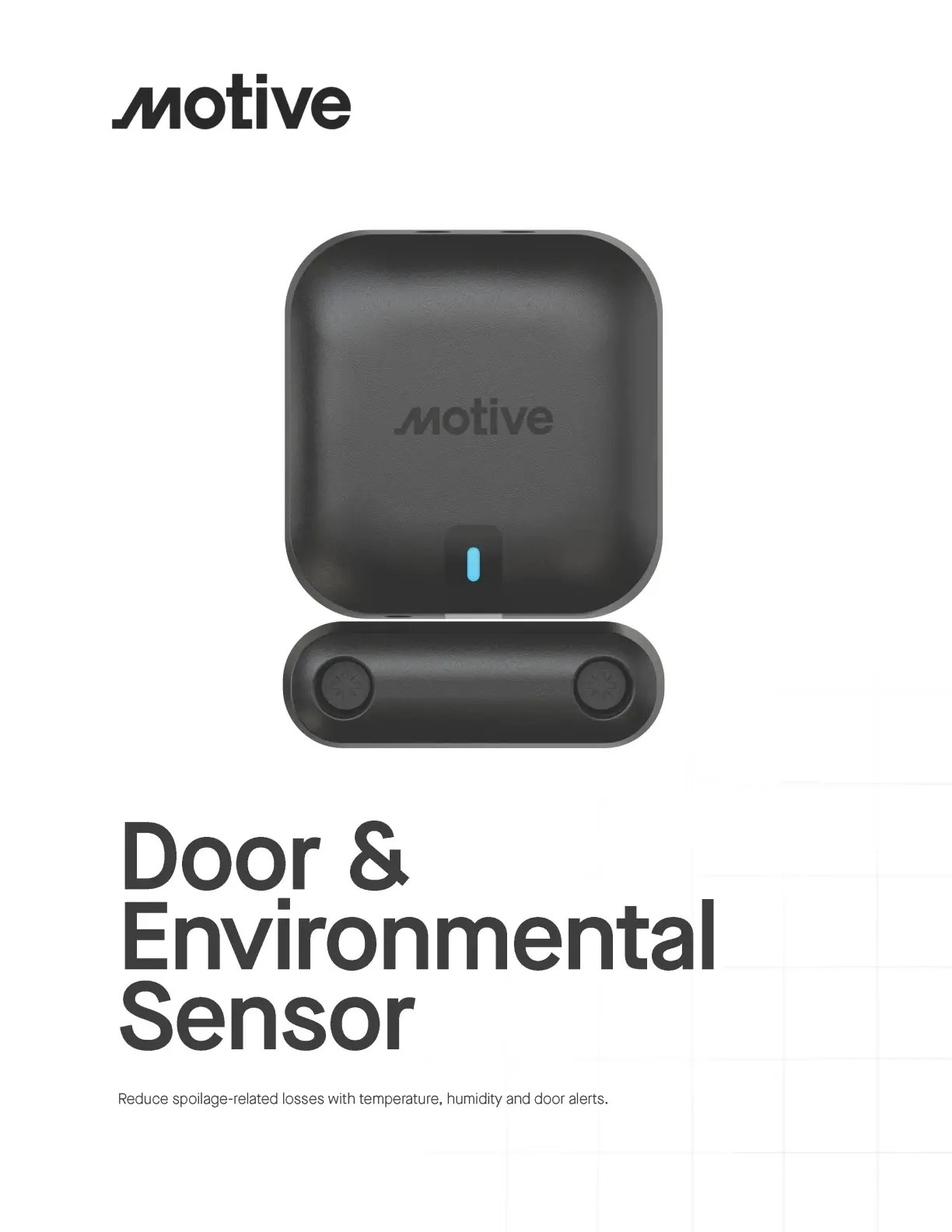
Trailers and equipment have no engine data to read, so they use a different family. The Asset Gateway Mini is battery powered, mounts with screws and checks in every 12 hours by default, with 8, 24 and 48 hours as options. Shorter check-ins give fresher locations and use more battery. The Beacon is a Bluetooth tag with no cellular radio, so a nearby Motive device has to pick it up to report where it was last seen. The Environmental Sensor pairs with an Asset Gateway.

| Fleet size | First thing we check | What to plan |
|---|---|---|
| 1 to 10 vehicles | The diagnostic port on each vehicle | A gateway per vehicle, the matching cable, and a camera model for each vehicle that gets one |
| 11 vehicles and up | Vehicle classes and the cable list for each | The same parts sorted by class, plus a pairing check against the vehicle list |
| Assets at any size | Whether the asset has engine data to read | An Asset Gateway Mini or a Beacon, and any sensors that pair with an Asset Gateway |
Size changes the planning, not the parts. A small fleet should settle each vehicle's port and camera before ordering. A large fleet should sort by vehicle class and keep one install order.
Fleets of any size that want GPS tracking, driver video and electronic logs from one set of Motive devices.
Ask Motive about plan options and any minimums for your number of vehicles, and which camera line fits each vehicle.
We use 1 to 10 vehicles for a small fleet and 11 and up for a large fleet. Motive does not publish a vehicle count for small business on its small business page.
No. The Vehicle Gateway, the cameras and the asset trackers are the same products at every size. A larger fleet may have more vehicle types, which means more cable choices.
Trailers and equipment use different hardware, the Asset Gateway Mini or the Beacon, not the Vehicle Gateway. Plan them as a separate list.
Sources: Motive small business page, Motive product page, Motive help center
Tell us how many vehicles you run and what you want to see, and we will match you to the right Motive devices and the install that goes with them.
We Supply It. We Install It. One Call.
