
Short, plain answers to what fleet managers and installers ask most about Motive hardware.
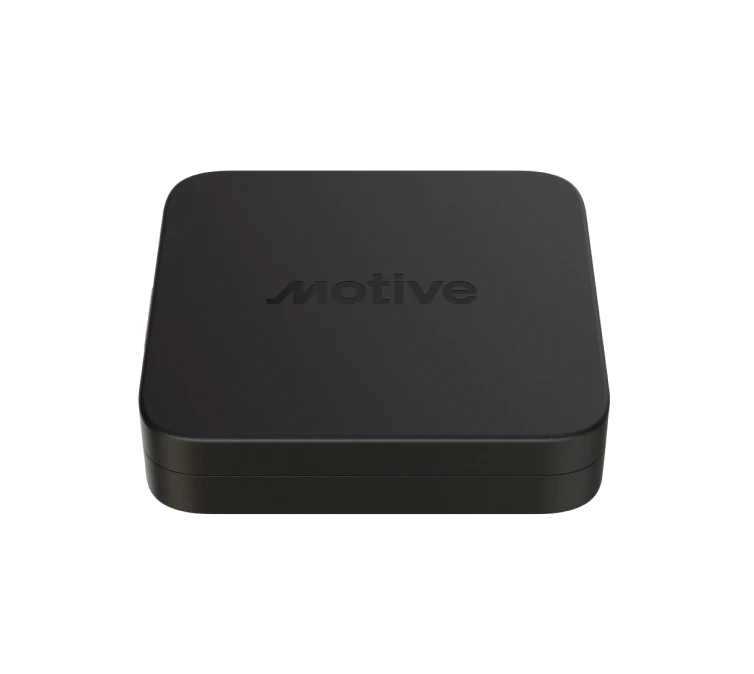
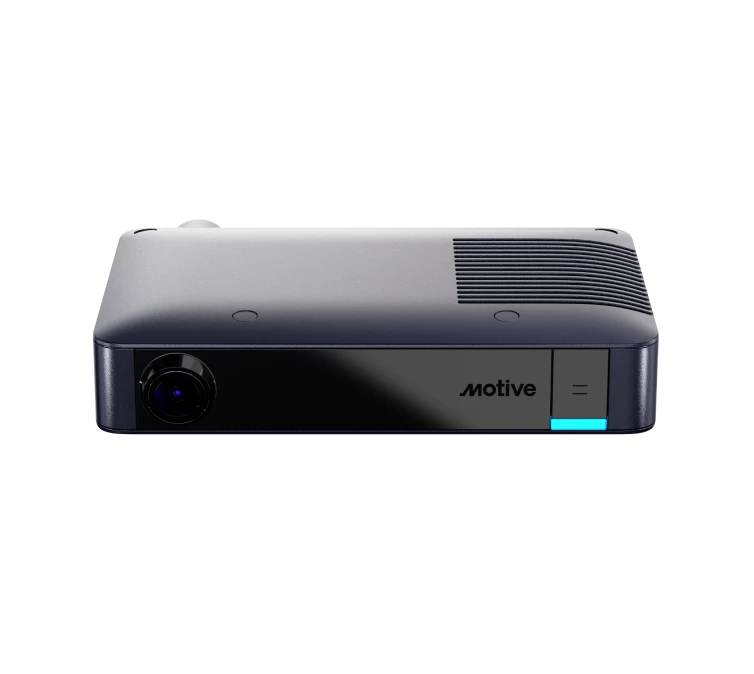

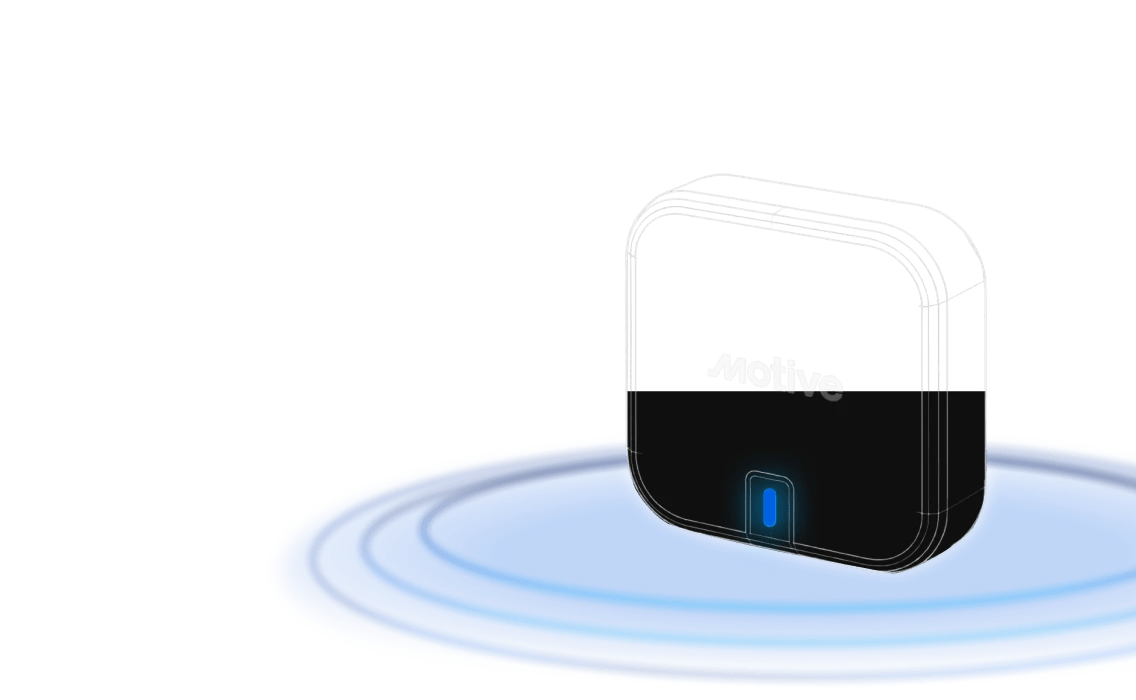
These are the questions we hear most often, answered in a few lines each. Every answer comes from Motive's own product pages and help center, read on November 25, 2026. For the full story on any device, use the guide tabs above.
Two things to know before you read. First, Motive gateways come in two generations: the 3.55 and older units have simple red and green lights, and the 3.6 and newer units have full-color lights and a pinhole reset. Second, the AI Dashcam and Smart Dashcam run on a USB cable into the gateway, while the AI Dashcam Plus takes power from the diagnostic port through an adapter and a cable.
Yes. It was founded in 2013 as KeepTruckin, with an electronic logbook as its first product, and renamed Motive on April 12, 2022.
Motive does not list a standalone ELD device. The Vehicle Gateway carries the electronic logging capability.
A vehicle with an OBD-II port uses cable 3010, 3015, 3017 or 3018. Cable 3015 plugs straight into the port, and the 3018 is a Y-cable that keeps the port available.
Trucks with a 6-pin port use cable 3022. Newer trucks use a 9-pin J1939 cable, an RP1226 cable or a manufacturer-specific cable.
The left light is GPS and the right light is the Driver App and engine data. Green on the left means a GPS fix. Green on the right means the app is connected. Red means that part is not working yet.
Both lights blink red at first power up. Wait two to three minutes. If the left light stays red, check the GPS view of the sky. If the right light stays red, pair the Driver App.
Five minutes is the usual wait before replugging. Invalid fault codes call for three to five minutes, a telematics check failure calls for five to ten, and a gateway that stays dark can need 24 hours or more.
Driver privacy mode. The driver-facing camera has stopped recording because the engine is idle or off.
No driver is linked to the Vehicle Gateway, so the driver is unidentified. Confirm the driver is identified in the system.
Behind the rearview mirror, inside the area the wipers clean, without blocking the driver. The AI Dashcam Plus follows federal windshield rules: a top mount no more than 216 mm below the top edge of the wiped area, or a bottom mount no more than 175 mm above the bottom edge.
The default check-in is every 12 hours. It can be set to 8, 24 or 48 hours. Shorter check-ins give fresher locations and use more battery.
Motive says the Environmental Sensor battery, a Murata CR2477X, should last at least three years under normal use. Solid red means replace it.
Motive says it supports only exempt drivers. An ELD driver who badges in is not recognized, and the trip stays unidentified.
It has no cellular radio. Nearby Motive devices detect its Bluetooth signal and report where it was last seen. It must be started with the pinhole button.
About 10 seconds on most devices. The AI Dashcam reset is 10 to 12 seconds, an Asset Gateway reset is 10 seconds with three blue blinks, and a sensor reset is 8 seconds.
Sources: Motive help center, read Nov 25, 2026 · Motive product page, read Nov 25, 2026
Tell us how many vehicles you run and what you want to see, and we will match you to the right Motive devices and the install that goes with them.
We Supply It. We Install It. One Call.
