
The Vehicle Gateway is the first device in every Motive vehicle install. Here is how it works, what its two lights say, and how to reset it.
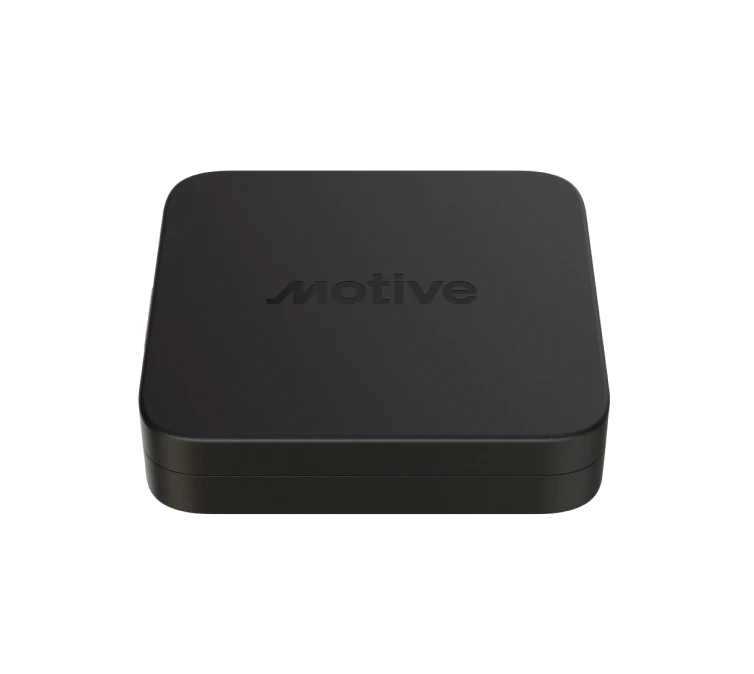
The Vehicle Gateway plugs into the vehicle's diagnostic port and does three jobs. It reads engine data and location, it carries the electronic logging (ELD) capability, and it gives the cameras a place to plug in. The AI Dashcam and Smart Dashcam connect to it by USB, the Driver ID Reader connects through a serial cable, and the Omnicam depends on it unless it is set up alone on an asset.
It reports over cellular to the fleet dashboard, and it talks to the driver's phone through the Driver App over Bluetooth or USB. When the vehicle moves above 5 MPH the app switches into drive mode, and the driving lock screen appears.
Motive's articles call the generations 3.55 and older, and 3.6 and newer. The older unit has simple red, green and amber lights and no pinhole reset. To reset it, unplug it from the diagnostic port and plug it back in after one minute. The newer unit has full-color lights and a pinhole beside the USB port. Check which one you are holding before you troubleshoot, because the light patterns and the reset method are different.
Mount it with the Motive logo facing up and a clear view of the sky. Plastic, glass and light metal do not block GPS, but heavy metal plates and heater vents do. Do not point the logo at the floor, the firewall or the cabin, and keep nothing on top of the unit. Hold it with a zip tie or an adhesive pad so it does not hang by the cable.
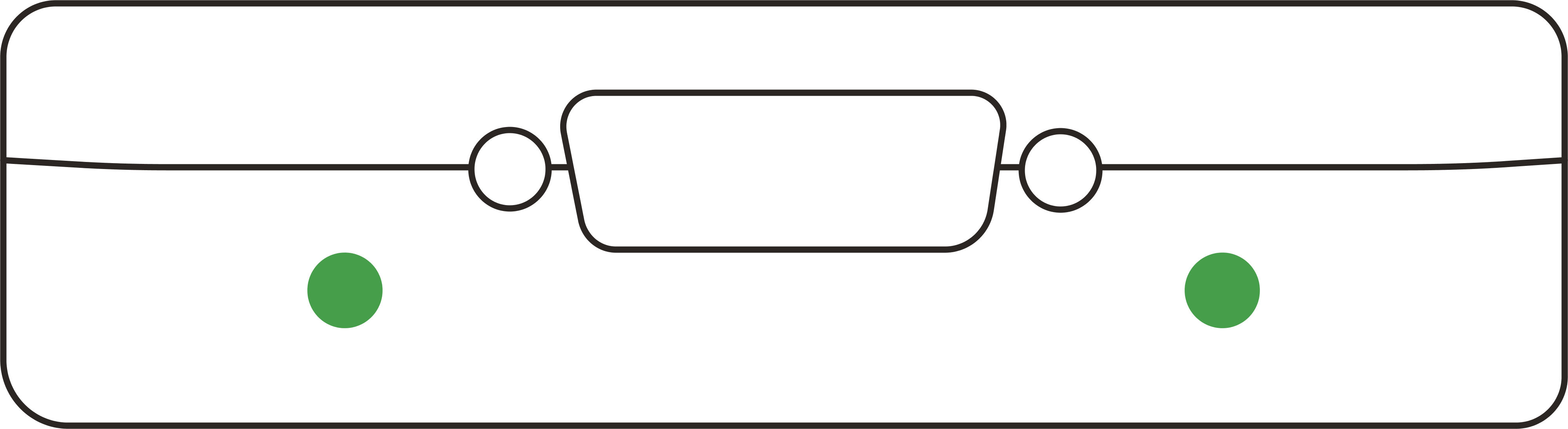

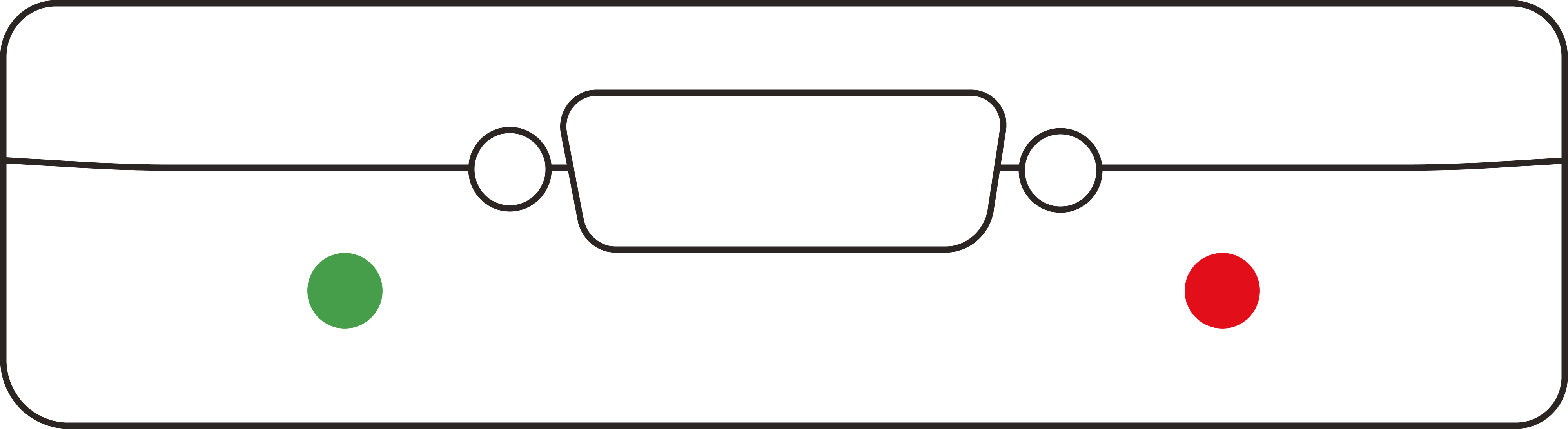
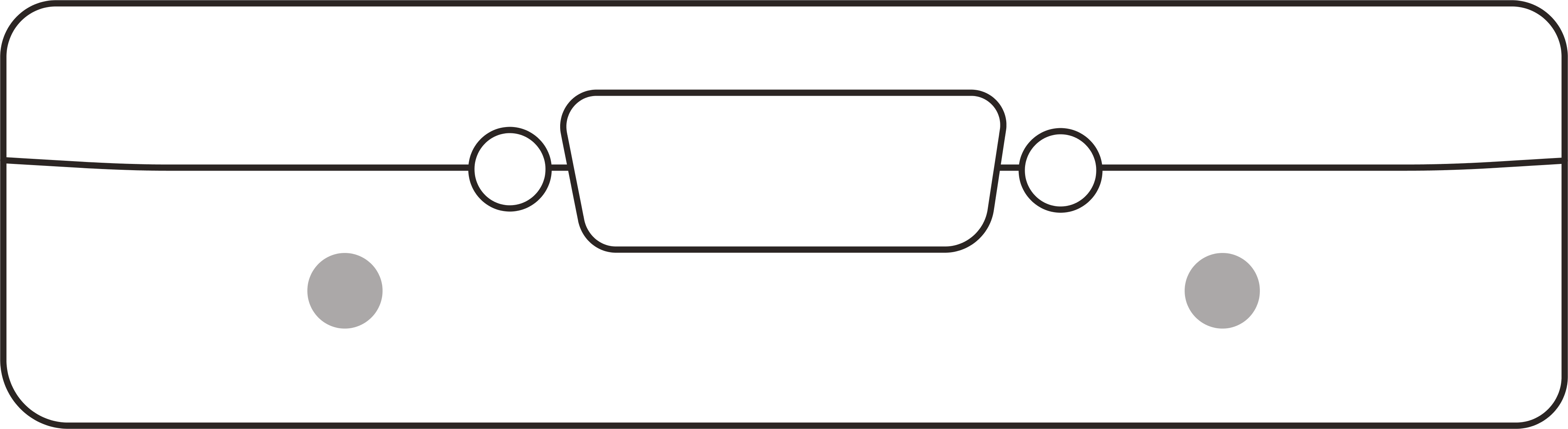

Motive's light tables describe the start like this. Both lights show solid white for four or five seconds, then blink white for 10 to 15 seconds while the unit boots. Both lights then blink red for a few minutes. The left light turns green when GPS locks. The right light turns solid green once the Driver App connects. If the right light blinks red slowly, the engine is on and the vehicle is stopped with no app connected. If it blinks red quickly, the vehicle is moving with no app connected, and drive time can be assigned to the wrong driver.
In the Driver App go to Logs, pick the vehicle and connect to the accessory that matches the gateway serial number. If a PIN is requested, Motive lists 0000, 1111 and 1234 as the ones to try. Keep the app open and active, and turn off power-saver mode on the phone. On an iPhone, a light-duty OBD-II gateway goes into low power mode after about 45 minutes with the engine off, and Bluetooth can take two to three minutes to wake after the engine starts.
Press the pinhole beside the USB port and hold for about 10 seconds. The lights blink green and blue for about 30 seconds, then yellow for four or five seconds, then white. When both lights blink green or red the reboot has finished. A press shorter than a second does nothing. Units with serial numbers beginning AABL are reset by holding the pinhole with a paperclip for about 15 seconds.
One gateway per vehicle, logo up, clear sky. Left light is GPS, right light is the app. Both red for a few minutes at first is normal. Unplug for five minutes before you decide it is bad.
Light-duty and heavy-duty vehicles alike, through the OBD-II, 9-pin, 6-pin, RP1226 and manufacturer-specific cables.
Ask Motive which generation your units are and which cable each vehicle needs. Vehicles with no diagnostic port use the hardwired cable.
The 3.6 and newer units have full-color lights and a pinhole beside the USB port. The 3.55 and older units have simple red and green lights and no pinhole.
On an iPhone, yes. The engine must be running, and the Driver App must stay open and active.
Check the cable, the ignition, the kill switch, the fuse and the battery. Reseat the cable, try a pinhole reset on a 3.6 unit, and run a swap test with a gateway you know works.
Sources: Motive help center, read Nov 25, 2026
Tell us how many vehicles you run and what you want to see, and we will match you to the right Motive devices and the install that goes with them.
We Supply It. We Install It. One Call.
