
We put these forms together for the people we install for: rental car owners, Turo hosts and fleet managers. Each one is free. Print it, fill it in, or copy the wording into your own paperwork. They are templates, not legal advice, so check them against your platform's rules and your state's laws before you rely on them.
A vehicle inspection checklist is the cheapest protection a rental car owner has. When a renter brings a car back with a new scratch, a stained seat or an empty tank, the question is always the same: was it like that before? A dated checklist filled in at check-out, and again at return, answers it in one look.
If you host on Turo, the app is still where your trip photos go. Turo's trip photos guide for hosts asks for at least 15 exterior photos and at least 8 interior photos, plus the odometer and the fuel or charge level. You have 24 hours before a trip starts to take pre-trip photos, and up to 24 hours after it ends to take and upload post-trip photos. Turo also requires photo evidence on any invoice you send for incidental costs. This checklist does not replace those photos. It makes sure you take the same shots in the same order every time, and it gives you one sheet per trip to file with them.
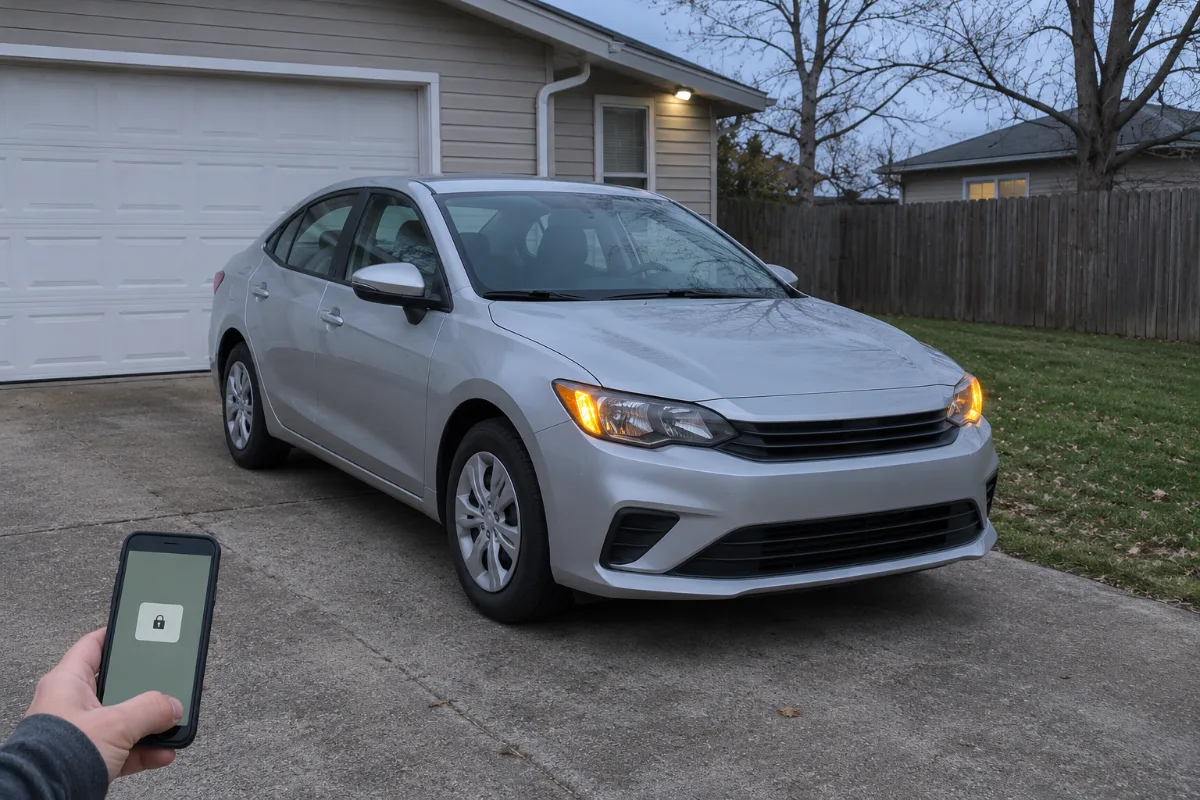
Use one sheet per trip. Fill in the check-out column when the car goes out and the return column when it comes back. Mark anything new, and write down the photo numbers so you can find them later. If the car has a GPS tracker or keyless entry, there are lines to confirm the tracker is reporting and the key fob is back in place before the next renter.
Owner or company Booking or trip number
Year, make and model Plate Last 6 of VIN
Renter name
| Item | Check-out | Return |
|---|---|---|
| Date and time | ||
| Odometer | ||
| Fuel or charge level | ||
| Number of photos taken | ||
| Exterior | ||
| Front bumper and grille | ☐ OK ☐ Note | ☐ OK ☐ New |
| Hood and roof | ☐ OK ☐ Note | ☐ OK ☐ New |
| Windshield and glass | ☐ OK ☐ Note | ☐ OK ☐ New |
| Driver side doors and panels | ☐ OK ☐ Note | ☐ OK ☐ New |
| Passenger side doors and panels | ☐ OK ☐ Note | ☐ OK ☐ New |
| Rear bumper and trunk | ☐ OK ☐ Note | ☐ OK ☐ New |
| Wheels, tires and rims | ☐ OK ☐ Note | ☐ OK ☐ New |
| Lights and mirrors | ☐ OK ☐ Note | ☐ OK ☐ New |
| Interior | ||
| Seats and upholstery | ☐ OK ☐ Note | ☐ OK ☐ New |
| Carpet and floor mats | ☐ OK ☐ Note | ☐ OK ☐ New |
| Dash and screens | ☐ OK ☐ Note | ☐ OK ☐ New |
| Smell (smoke, pets) | ☐ OK ☐ Note | ☐ OK ☐ New |
| Items left in the car | ☐ OK ☐ Note | ☐ OK ☐ New |
| Equipment | ||
| Key fob in Keybox, or key present | ☐ OK ☐ Note | ☐ OK ☐ New |
| GPS tracker reporting | ☐ OK ☐ Note | ☐ OK ☐ New |
| Dash camera recording | ☐ OK ☐ Note | ☐ OK ☐ New |
| Charging cable and accessories | ☐ OK ☐ Note | ☐ OK ☐ New |
Notes on anything marked Note or New (include photo numbers):
Checked out by Returned and checked by
Renter signature, if renting direct
Renters don't like surprises, and neither do rental platforms. Turo's vehicle tracking and technology policy says Turo requires hosts in some locations to disclose the tracking and technology devices in their vehicles. For any device that records the inside of the car or records audio, factory camera or aftermarket dash cam alike, Turo requires the host to ask for and receive explicit, written consent from the guest through Turo messaging before turning it on.
The simplest way to stay out of trouble is to say it up front. Copy the wording below into your listing description and change it to match what is really in the car. Delete any line that doesn't apply. Never list a device you haven't installed, and never leave off one you have.
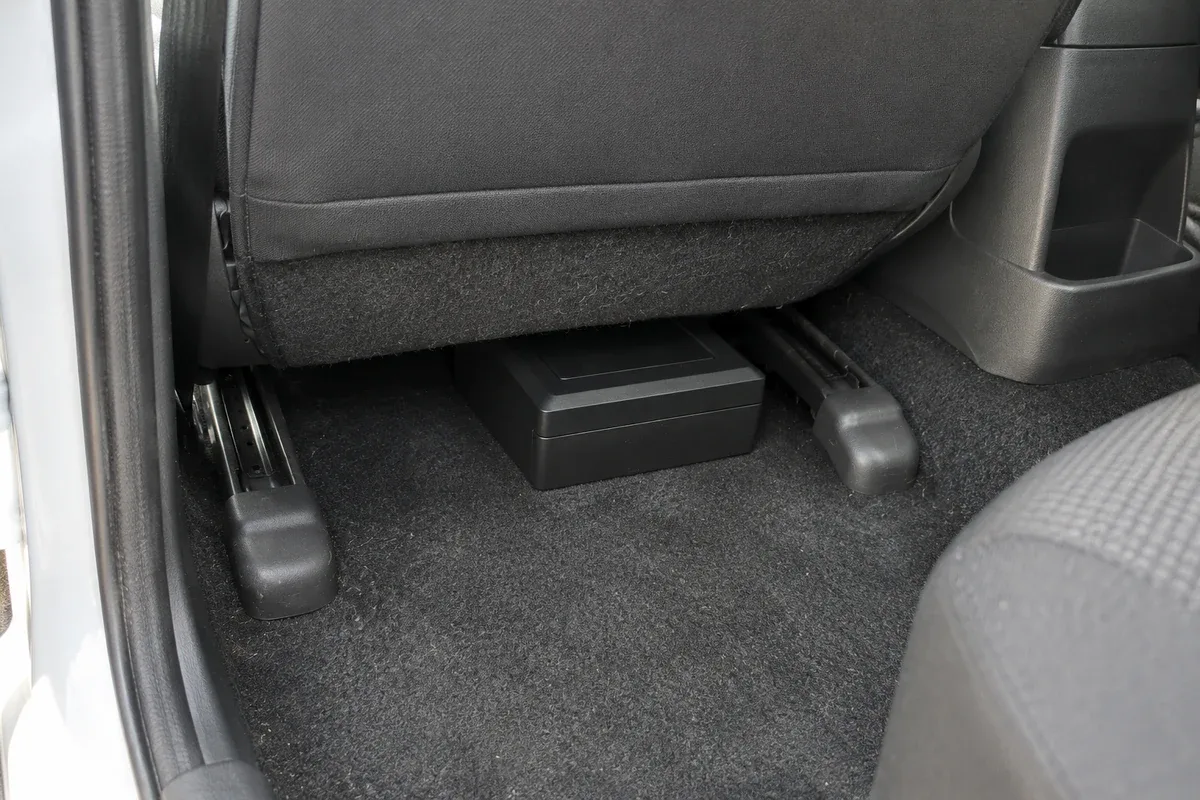
Vehicle technology on this car:
Questions about any of this? Message me before you book.
Hi [guest name], this car has an interior camera [and microphone] that records the inside of the car [and audio]. I would like your written consent to turn it on during your trip. Please reply YES to agree or NO to keep it off. If you say no, it stays off for your whole trip.
Turo's policy also says Turo may use device data to recover a vehicle that is missing or not returned at the end of a trip. If that ever happens to you, read What do I do if a renter doesn't return my car?
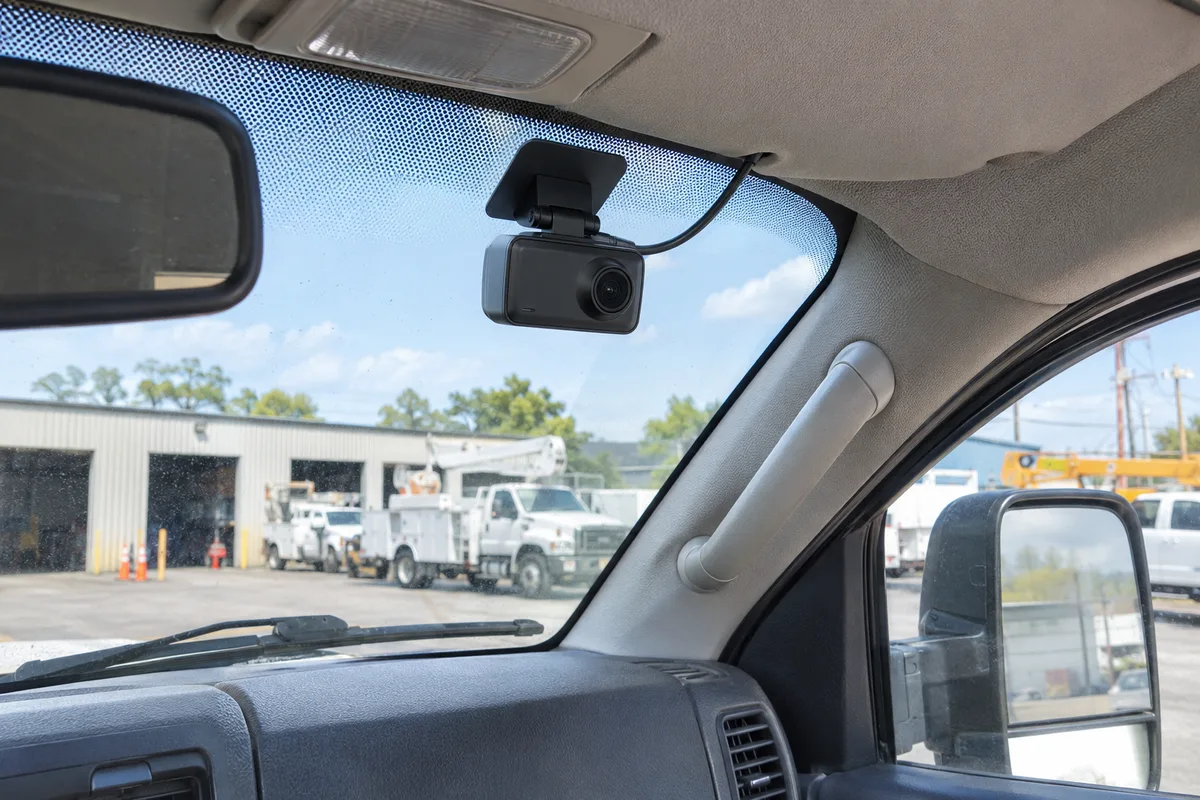
Fleet managers ask us for this one more than any other. Before a GPS tracker or dash camera goes into a company vehicle, drivers should know what is installed, what it records and who sees it. A short signed notice heads off the "nobody told me I was being tracked" conversation, and it gives you a record that you told them.
Laws on tracking and recording employees are different from state to state, and recording audio has its own rules. Our driver facing camera page covers camera and audio consent laws by state. Treat this notice as a starting point, and have your attorney or HR advisor look it over before you use it.
Company Vehicle or unit numbers
| This vehicle has | ☐ GPS tracker ☐ Road-facing camera ☐ Driver-facing camera ☐ Audio recording ☐ Keyless entry or remote lock ☐ Other: |
|---|---|
| What it records | ☐ Location ☐ Speed ☐ Harsh braking, acceleration and cornering ☐ Engine hours and idle time ☐ Seat belt use ☐ Video ☐ Audio |
| When it records | ☐ Any time the vehicle is running ☐ Work hours only ☐ Other: |
| Who can see the data | |
| Why we use it | ☐ Driver safety ☐ Dispatch and routing ☐ Theft recovery ☐ Maintenance ☐ Accident and claim records ☐ Other: |
| Personal use of the vehicle |
Do not unplug, cover, move or tamper with any device. Report a device that looks damaged or stops working to .
Employee acknowledgment: I have read this notice and understand that the equipment checked above is installed in the company vehicle or vehicles I drive.
Employee name Signature Date
Company representative Signature Date
The first thing any installer needs for a quote is a list of the vehicles. Not "about thirty trucks," but the year, make and model of each one, because the harness, the mounting spot and the time on each install all depend on it. A list with the last six of each VIN lets us confirm the right parts before anyone shows up.
Fill in one line per vehicle and check what you want installed. You can send the finished list with our quote request form, or call or text 803-513-1009. If you need more than twelve lines, print a second sheet.

Company Contact Phone
Where the vehicles park (city and state)
| # | Unit number | Year | Make | Model | Last 6 of VIN | What to install |
|---|---|---|---|---|---|---|
| 1 | ||||||
| 2 | ||||||
| 3 | ||||||
| 4 | ||||||
| 5 | ||||||
| 6 | ||||||
| 7 | ||||||
| 8 | ||||||
| 9 | ||||||
| 10 | ||||||
| 11 | ||||||
| 12 |
What to install: ☐ GPS tracker ☐ Dash camera ☐ Driver-facing camera ☐ 360 camera system ☐ Trailer or asset tracker ☐ Keyless entry ☐ Removal or swap
Equipment: ☐ We need equipment ☐ We already have equipment Brand, if known
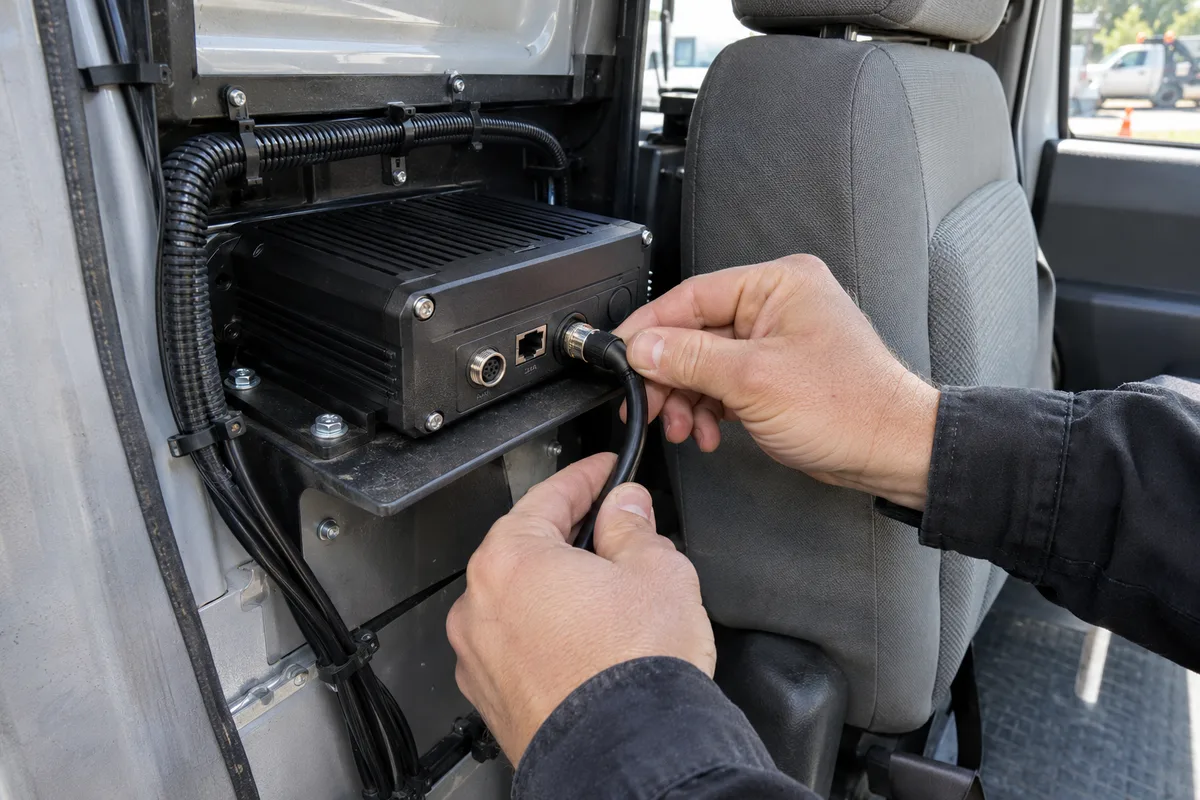
A check engine light that was already on, a cracked dash panel, or an old tracker someone left wired in: if nobody writes it down before the install, it turns into a question after. This sheet records the vehicle's condition with the customer before work starts, and both sides sign it.
Fleet managers can use it with any installer, not just us. It protects the installer from blame for problems that were already there, and it protects the fleet by documenting what the vehicle looked like when it was handed over. If you are an installer, the same sheet works on every job. See our installation services for the work we do.
Customer Date
Unit number Year, make and model Last 6 of VIN
| Check before work starts | Condition |
|---|---|
| Check engine or other warning lights on | ☐ None ☐ Yes: |
| Vehicle starts and runs normally | ☐ Yes ☐ No |
| Dash panels and trim | ☐ OK ☐ Loose, cracked or missing |
| Windshield | ☐ OK ☐ Chips or cracks |
| Radio, lights and accessories working | ☐ Yes ☐ No: |
| Old devices or wiring already in the vehicle | ☐ None ☐ Yes: |
| Battery condition | ☐ OK ☐ Weak or not tested |
| Odometer |
Notes
Customer signature Installer
Drivers are usually the first to notice a tracker hanging under the dash or a camera with no lights. Too often it never gets reported, and the fleet finds out weeks later when a vehicle stops showing on the map. Give drivers this short report so they can tell you the same day, without trying to fix it themselves.
The lights the driver writes down help narrow the problem before anyone goes out. If a tracker stopped reporting right after an install, read why a GPS tracker goes offline after install. Installers can look up wire colors in our vehicle wiring database.
Driver Date and time noticed
Unit number Location of vehicle
| Which device | ☐ GPS tracker ☐ Dash camera ☐ Driver-facing camera ☐ ELD tablet ☐ Keyless entry box ☐ Other: |
|---|---|
| What happened | ☐ Unplugged ☐ Loose or hanging ☐ Damaged ☐ Lights off or not working ☐ Camera not recording ☐ Not sure |
| Lights you see on the device | |
| Any recent work on the vehicle | ☐ No ☐ Yes: |
Do not try to rewire or reinstall a device yourself. Hand this report to .
These forms mention the equipment we install every week: GPS trackers, keyless entry with the Geotab IOX-KEYBOX, and dash cameras. If you rent cars, see our keyless entry and GPS tracker installs for Turo and rental cars. For company vehicles, see our installation services.
Many of these brands sell cameras alongside their trackers, and we install both. Need heavy duty trackers for trucks or heavy equipment? Every brand below makes them, so pick yours and we install it.
Common questions
Yes. Print them, copy them or change them to fit your business. There is no signup and nothing to buy.
Yes. Turo asks hosts for at least 15 exterior and 8 interior photos plus the odometer and fuel or charge level, and requires photo evidence on invoices for incidental costs. The checklist is your own record that goes with those photos.
Turo requires hosts in some locations to disclose tracking and technology devices, and requires explicit, written consent through Turo messaging before turning on any device that records the inside of the car or audio. Disclosing everything in your listing is the simplest way to stay clear.
It is a template, not legal advice. Laws on tracking and recording employees differ by state, so have your attorney or HR advisor review it before you use it.
A list of the vehicles with the year, make, model and last six of the VIN for each, plus what you want installed. Our free fleet vehicle list has a line for each vehicle.
The outside panels, glass, wheels and lights, the inside seats, carpet, dash and smell, the odometer and fuel level, and any equipment like the key fob, GPS tracker and dash camera. Check each item at check-out and again at return.
We install across Georgia, South Carolina, North Carolina, Tennessee, Virginia, Alabama, Florida and Mississippi, at your yard, on your schedule. Call or text 803-513-1009.
Constant. Ignition. Ground.
API Signal