
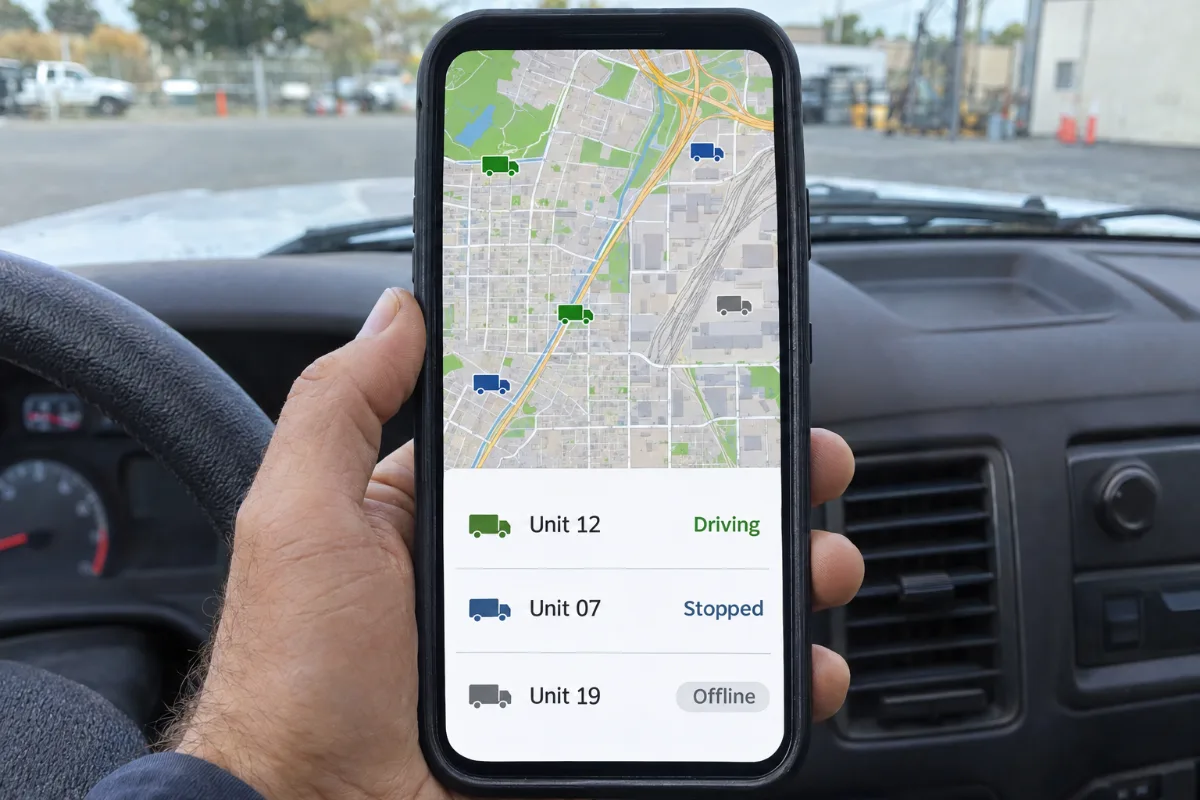
A GPS tracker that shows offline, or never starts reporting, in the first weeks after an install is one of the most common calls we get from fleet managers. Most of the time the cause is simple and you can check it yourself in a few minutes. This page walks you through what to look at, in the order we look at it, and tells you the point where an installer needs to come out. We install and troubleshoot fleet GPS trackers on every major brand across Georgia, South Carolina, North Carolina, Tennessee, Virginia, Alabama, Florida and Mississippi.
Most fleet GPS trackers that stop reporting have one of three problems: a loose plug, no power at the port, or no signal. A brand new install is no different. Before anything else, start the vehicle and drive it a few minutes outside, away from metal roofs and garages. Many devices only report fully with the ignition on, so a truck that has been parked in the shop since the install can look offline when nothing is wrong.
Then read the lights on the device. No lights at all means the device has no power. Lights that keep blinking for a long time usually mean it is still looking for a cell or GPS signal. Those two answers tell you which half of the problem you are dealing with before you spend any time in the fleet software.
The first week is when install problems show up, so it is worth one short review with the install list in hand. We suggest checking these on every vehicle, not just the ones that look wrong:
If you find something, our Fleet Diagnostics page has the check for each of these symptoms.
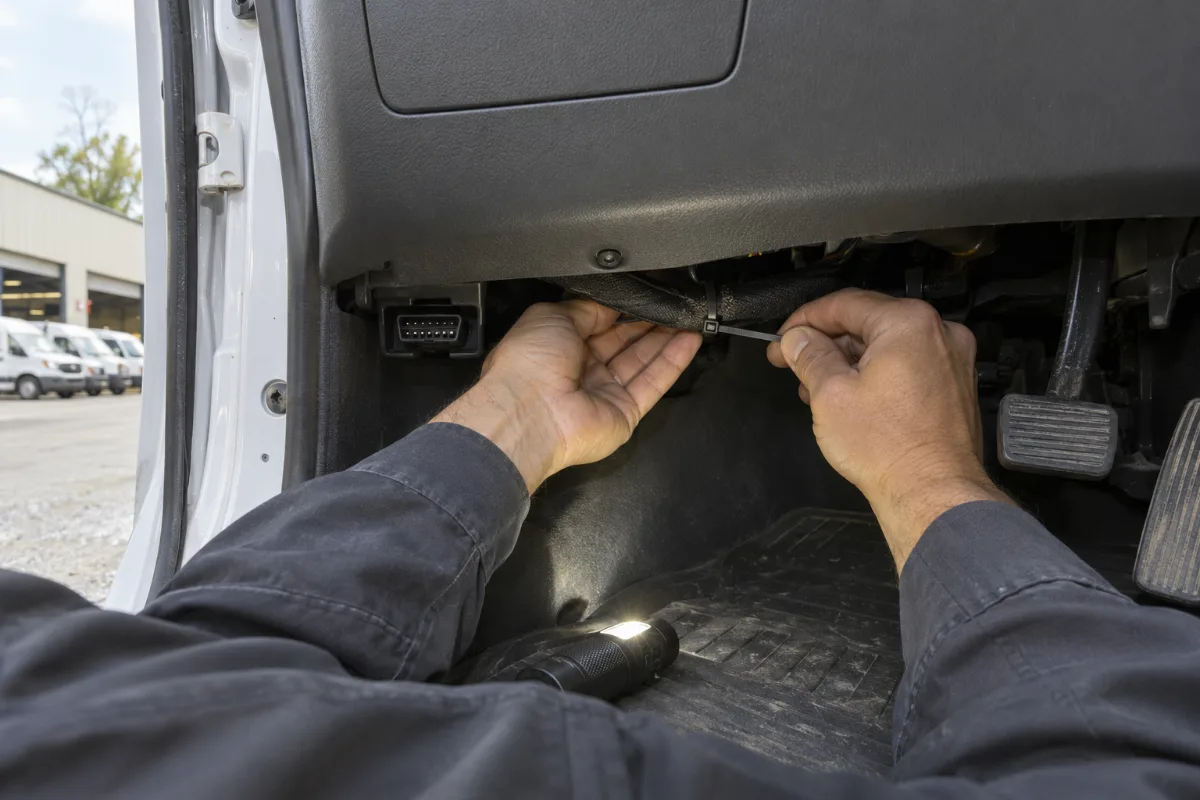
Yes. Most of the installs we do use a Y-split harness on the diagnostic port: the OBD2 port on most light duty vehicles, and the 9-pin or older 6-pin port on heavy duty vehicles. A Y-split device takes its power from the diagnostic port and reads the vehicle data there, so there is no separate ignition wire. When a Y-split install goes offline, look at the plug first. The device or harness should sit flush in the port with no gap, held in place with a zip tie. A dead battery, a blown accessory fuse or a battery kill switch will also cut power to the port.
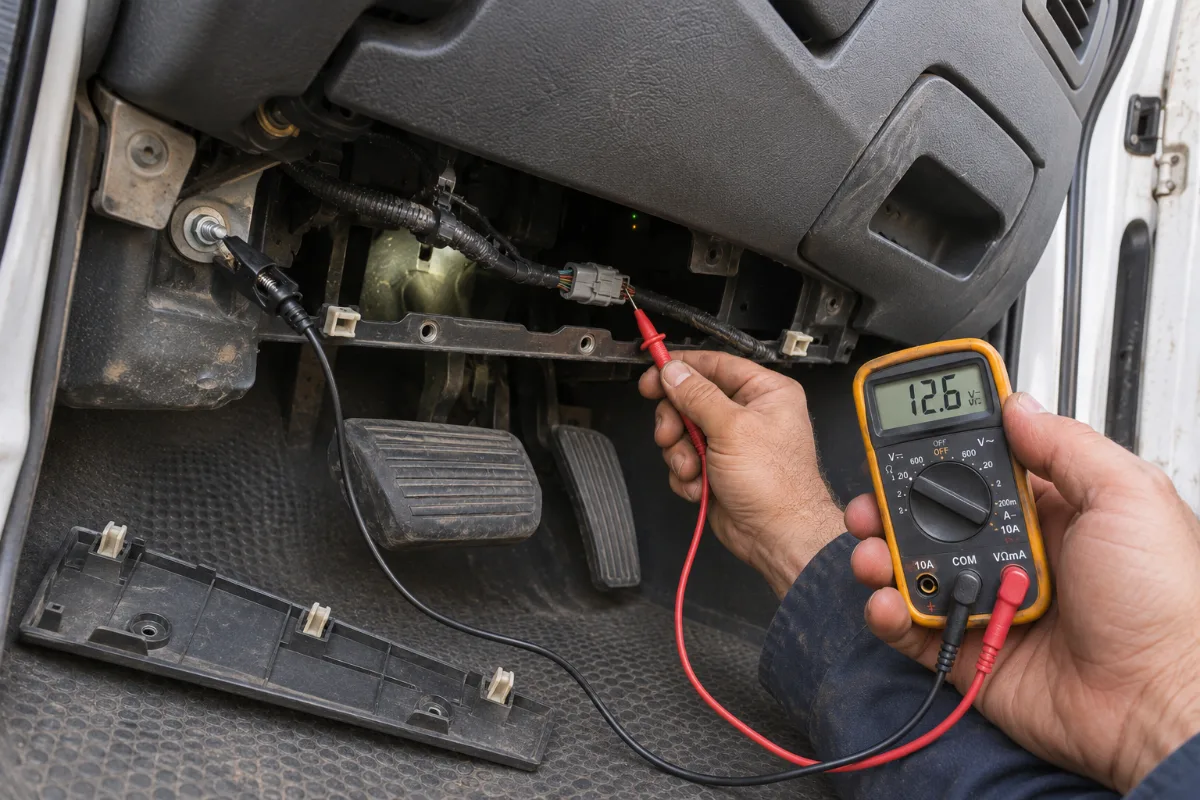
A hardwire install is different. It runs three wires: constant, ignition and ground. The problem we find most often on hardwire installs done by someone else is the ignition wire landed on a circuit that is not a true ignition, because it was never metered. The classic sign is false idling: the software says the truck is idling when it is not. For wire colors on a specific vehicle, see our Vehicle Wiring Database.
When a tracker reported fine for a few weeks and then went quiet, something usually changed on the vehicle. Ask what happened to it recently: a trip to the dealer or a repair shop, a battery swap, a new accessory, or a second device added to the same port. Shops work around the diagnostic port, and a plug that gets bumped out of the port during service is one of the first things we check.
Install quality matters here too. One we came across, not our own work: a tracker power wire run through the door jamb, into the firewall and to the battery, with no fuse. It shorted and started a fire on the vehicle. A clean install with a fused connection is not a detail, it is the difference between a tracker that goes offline and a truck that is out of service.
If the five quick checks on our Diagnostics page do not bring the vehicle back, the next step is your tracking provider: ask them to run a diagnostic on the device from their side. If that finds nothing, it is time for a technician on site. Having these ready saves a trip and gets the right parts on the van:
We come to your yard and find the fault, on any brand of fleet GPS tracker, whether we installed it or not. If you want every vehicle checked on a schedule instead of one at a time, see Fleet Check. With 35+ years in vehicle electronics and more than 11,000 vehicles installed, we have seen most of the ways a tracker goes offline. Call or text 803-513-1009, or get a quote.
Many of these brands sell cameras alongside their trackers, and we install both. Need heavy duty trackers for trucks or heavy equipment? Every brand below makes them, so pick yours and we install it.
Common questions
Most new trackers that show offline have one of three problems: a loose plug, no power at the port, or no signal. Start the vehicle, drive a few minutes outside away from metal roofs, check that the plug sits flush in the port, and read the lights. No lights means no power; long blinking usually means it is still looking for signal.
Many devices only report fully with the ignition on. A vehicle that has sat parked since the install can look offline until it is started and driven.
No lights at all means the device has no power. Lights that blink for a long time usually mean the device is still looking for a cell or GPS signal.
A Y-split harness connects a tracker to the vehicle’s diagnostic port: the OBD2 port on most light duty vehicles, or the 9-pin or older 6-pin port on heavy duty vehicles. The device takes power and vehicle data from the port, so there is no separate ignition wire. Most of the installs we do use one.
Shops work around the diagnostic port, and a plug bumped loose during service is one of the first things we check. Look under the dash and make sure the device or harness sits flush in the port, then drive the vehicle.
Yes. We troubleshoot and repair fleet GPS trackers on every major brand, whoever installed them, across Georgia, South Carolina, North Carolina, Tennessee, Virginia, Alabama, Florida and Mississippi.
We install across Georgia, South Carolina, North Carolina, Tennessee, Virginia, Alabama, Florida and Mississippi, at your yard, on your schedule. Call or text 803-513-1009.
Constant. Ignition. Ground.
API Signal