
Motive Vehicle Gateways and dashcams only earn their keep once they are in the trucks and talking. We install them at your location, one vehicle after another, and we stay until the lights and the camera views say the job is right.
Fitting Motive gear yourself sounds simple until there are trucks to keep on the road. Installation is all we do. We are independent: no Motive hardware or subscriptions are sold here, and we are not part of Motive.
From the gateway behind the dash to the camera on the glass.
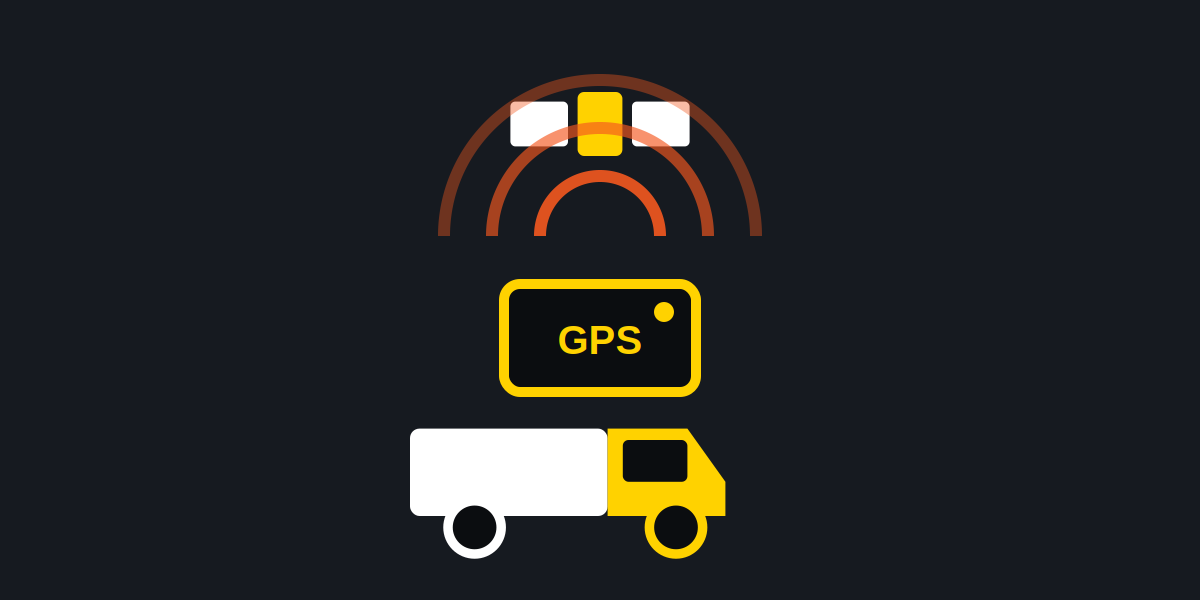
The Vehicle Gateway plugs into the diagnostic port with a cable matched to the vehicle. It is the heart of the system: tracking, engine data and electronic logs all run through it.
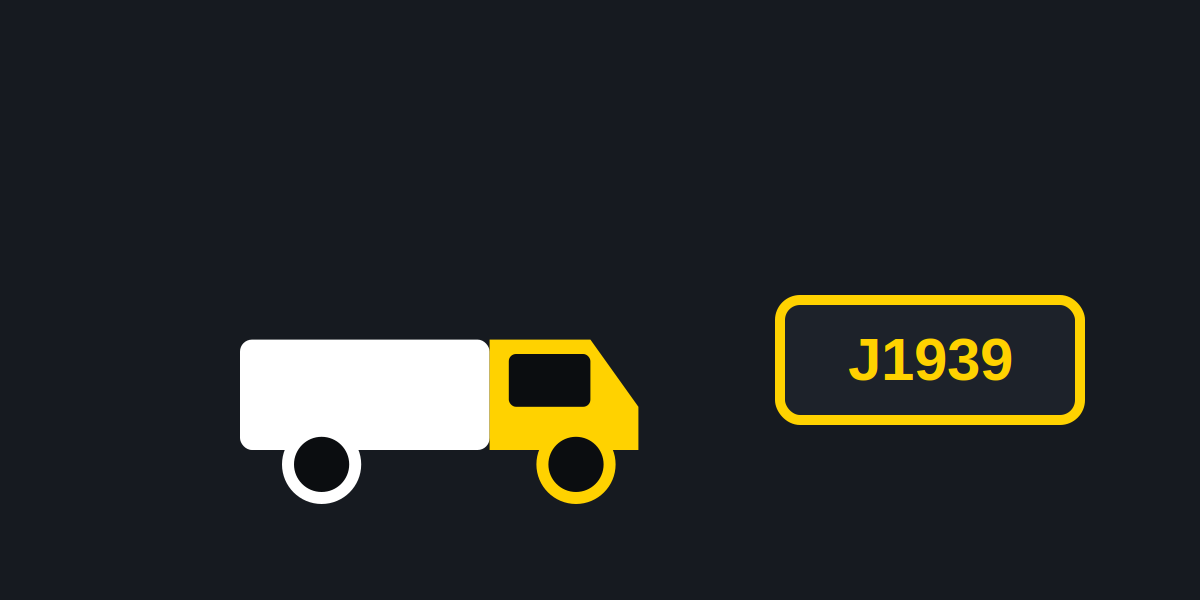
Motive makes separate cables for OBD-II, 9-pin and 6-pin ports, plus specific ones for certain Volvo, Mack, Freightliner, Peterbilt and Kenworth trucks. We sort cables to vehicles before the first dash panel comes off.
The dashcam mounts behind the rear-view mirror, within the wiper sweep, on a one-time adhesive pad. The glass gets cleaned properly first, because that pad only gets one chance.
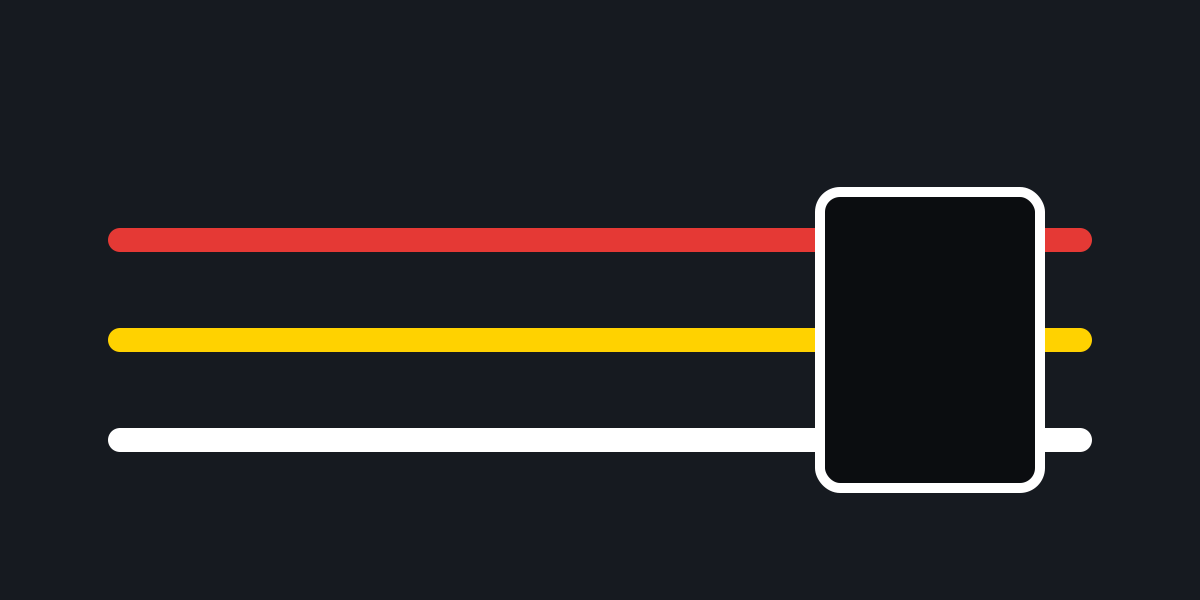
The camera cable runs along the windshield edge and down to the USB port on the gateway. It is clipped and tucked so nothing hangs in the driver's line of sight or near the pedals.
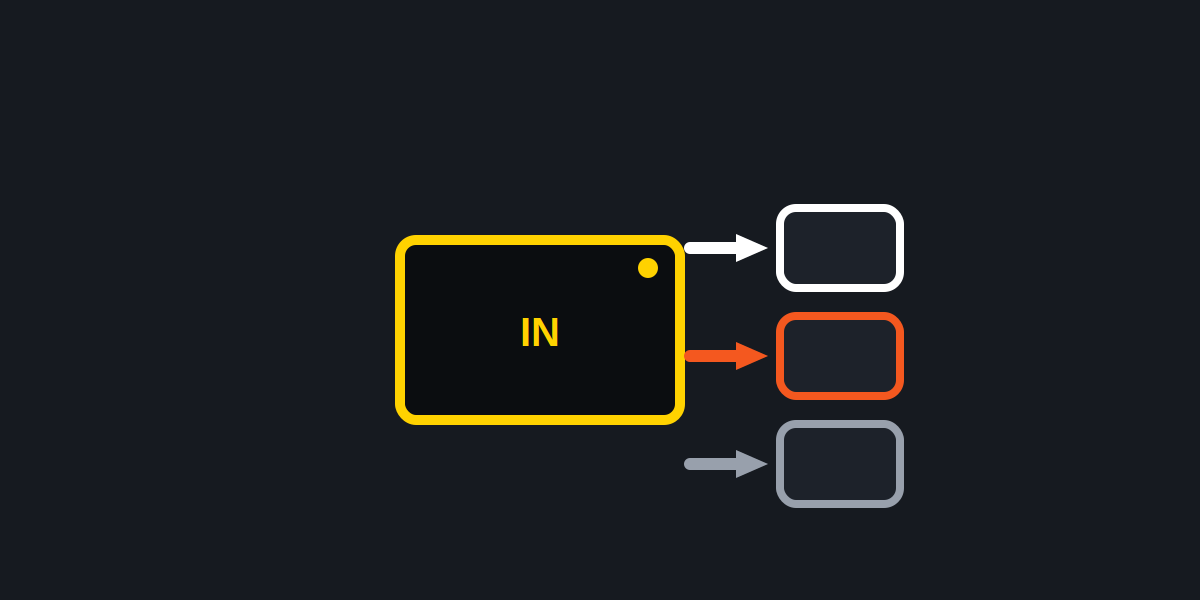
Omnicams for side, rear or cargo views are mounted, wired and aimed, then checked on screen before the vehicle is released.

We watch the gateway light go green and preview the camera picture in the Motive app before the truck goes back to work. Photos of each install go to you.
Motive installs stall for small reasons. Clearing these up beforehand keeps every truck to one short stop.
Truck count, makes, and where the trucks are based.
A written per-vehicle price arrives by email.
On site, planned around your dispatch schedule.
Green lights, camera previews and photos.
On the Vehicle Gateway, a green left-side light means it has power and is connected. Orange points to something worth chasing: no GPS signal, no mobile connection, a cable that is not seated, or a firmware update in progress. Red means the Driver App is not connected. On the dashcam, solid blue means it is on and recording, blinking yellow means the driver is not connected to the gateway, and blinking purple means the camera has a fault. We read those lights on every vehicle and fix what they are telling us before moving to the next one.
Plan on roughly 25 minutes for a gateway alone and about 30 minutes for a gateway with a dashcam, when the truck is parked and ready. Trucks that need panels removed to reach the port take more time. The written quote spells that out up front.
Motive is one of several systems we fit. We also install Geotab, Samsara, Verizon Connect and Lytx hardware, so a mixed fleet, or a fleet changing providers, can use one installer for all of it.
You can. These are the three places where care matters most.
Dashcam pads bond permanently to the glass. A camera stuck crooked, or outside the wiper sweep, means a new pad and a second attempt.
A gateway left hanging from its cable can work loose and drop its connection. We fix it in place behind the dash.
Y-cables keep the diagnostic port available. We put the port back in its factory spot so your shop can still plug in.
Running a small fleet of 1 to 10? See FleetStart. Running 11 or more? See ProFleet.
Send the truck count and we will reply with a written price.
Tell us the number of trucks, their makes, and where they are based. We will answer with a quote in writing.
Answer a few questions about your fleet and the quote comes to your inbox.
Get a QuoteMotive is a trademark of Motive Technologies, Inc. API Signal is an independent installation company and is not affiliated with or endorsed by Motive.