
A battery-powered sensor that tells you whether a trailer or truck door is open or closed and reports the temperature and humidity beside it. It pairs with a Motive Asset Gateway or Vehicle Gateway.
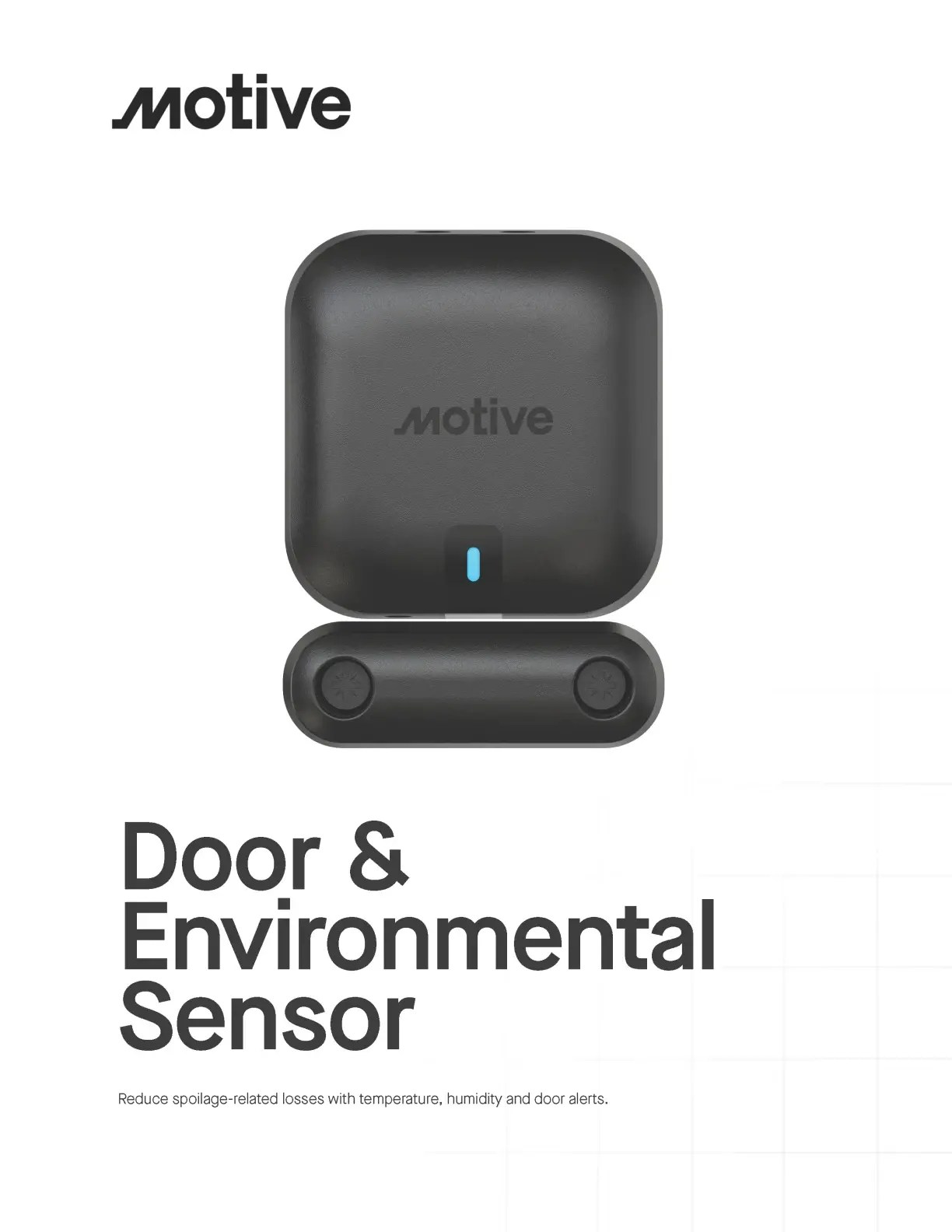
The Motive Door and Environmental Sensor is a small battery-powered device that watches two things at once: whether a door is open or closed, and the temperature and humidity around it. It suits trailers, box trucks and cargo doors where nobody wants to walk back and look.
The sensor has no cellular connection of its own. It pairs with a Motive gateway, and the gateway carries its readings to your Motive account. It detects two door styles, swing doors and roll-up doors, and it feeds Motive alerts and reports for doors left open and for temperatures outside the limits you set.
This page covers the Door and Environmental Sensor. The Environmental Sensor on its own is covered on our Motive Sensors page.
The sensor works with the Motive Asset Gateway and the Motive Vehicle Gateway. Know which one you have before you start, because a Vehicle Gateway as the source does not give trip history. Whichever gateway you use must already be attached to a Vehicle Asset in the account before the sensor is installed.
The sensor, a mounting plate, a reset pin, an alcohol wipe, a magnet, spare adhesive, five small Phillips screws for the plate on metal surfaces, five large screws for the plate on wood, and three T6 screws for the device itself.
1. Clean both spots with the alcohol wipe so the adhesive grips.
2. Put the magnet on the top edge of the door.
3. Put the sensor on the ceiling with its light facing the magnet.
4. Fasten the plate with its adhesive, then attach the sensor to the plate with the three T6 screws.
Keep the gap between the sensor and the magnet within 12 mm (about ½ inch) on metal or 22 mm (about ⅞ inch) on other materials. The two positions can be swapped, as long as the light still faces the magnet and the gap limits hold.
A roll-up door needs no magnet. Mount the sensor with the light at the bottom. It sits vertical when the door is closed and horizontal when the door is open. The inside of the door is the better side to use. Clean the surface with the alcohol wipe, apply the plate, and attach the sensor with the T6 screws.
1. Press and release the pinhole button with the pin. The light blinks blue for the first 30 minutes.
2. Wait at least 10 minutes after that first press, then press and release quickly once more.
3. A solid blue light means the sensor is paired.
Never press and hold the pinhole button. A gateway firmware update can delay pairing and data by 30 to 60 minutes, so give it time before you assume something is wrong. During assignment in the Motive account you choose a temperature zone and a location option.
| Light | Meaning |
|---|---|
| Solid blue (5 seconds) | Working and paired, with good signal |
| Blinking blue (10 seconds) | Trying to pair |
| Blinking red (10 seconds) | The paired gateway was not found. This can happen when a gateway mini is running on battery |
| Solid yellow (5 seconds) | Paired, but the signal is weak |
| One blue blink | A breadcrumb was sent after a pinhole press |
| One red blink | A 5-second pinhole press reset it to out-of-box |
| Solid red | Low battery |
| One green blink at the door | The door closed |
| One white blink at the door | The door opened |
The sensor uses a non-rechargeable CR2477X battery, tested by Motive for up to 3 years under normal use. Replace it when the light is solid red. Murata is the brand Motive recommends for low-temperature performance. Take the back off with a T6 screwdriver, swap the battery, and check that the waterproofing rubber seal sits in its groove before you close the housing.
Motive sends alerts by email and text in real time when a door is left open too long or when the temperature goes outside the limits set for the zone. The Reefer Activity and Door Sensor Events reports show what happened and when.
Clean, magnet or no magnet, plate, screws, pinhole twice. Solid blue means it works and solid red means a new CR2477X.
Refrigerated trailers, box trucks and cargo doors where you need to know the door state and the temperature without being there.
Ask Motive which gateway your assets use, because a Vehicle Gateway as the source does not give trip history.
No. It talks to a Motive gateway nearby, and the gateway sends the door and temperature readings to your Motive account.
It works with the Asset Gateway and the Vehicle Gateway. If a Vehicle Gateway is the source, trip history is not available, and the gateway has to be attached to a Vehicle Asset before the sensor is installed.
Press and release the pinhole button with the pin. The light blinks blue for the first 30 minutes. At least 10 minutes after that first press, press and release quickly once more. A solid blue light means it is paired. Never press and hold.
A non-rechargeable CR2477X. Motive tested it for up to 3 years under normal use. Motive recommends a Murata CR2477X for better low-temperature performance.
The battery is low and needs replacing. Remove the back with a T6 screwdriver, swap the battery and make sure the rubber waterproofing seal sits in the groove before you close it.
No more than 12 mm (about ½ inch) on a metal surface and no more than 22 mm (about ⅞ inch) on other materials, with the light facing the magnet.
Yes. Roll-up doors need no magnet. The sensor mounts with the light at the bottom, vertical when the door is closed and horizontal when it is open.
Yes. Motive sends email and text alerts in real time for doors left open too long and for temperatures outside the limits you set. Reefer Activity and Door Sensor Events reports are also available.
Sources: Motive help center door and environmental sensor installation guide, read Nov 27, 2026
Tell us how many vehicles you run and what you want to see, and we will match you to the right Motive devices and the install that goes with them.
We Supply It. We Install It. One Call.
