
Battery sensors that pair with an Asset Gateway. This page covers the Environmental Sensor and what Motive says about the door version.
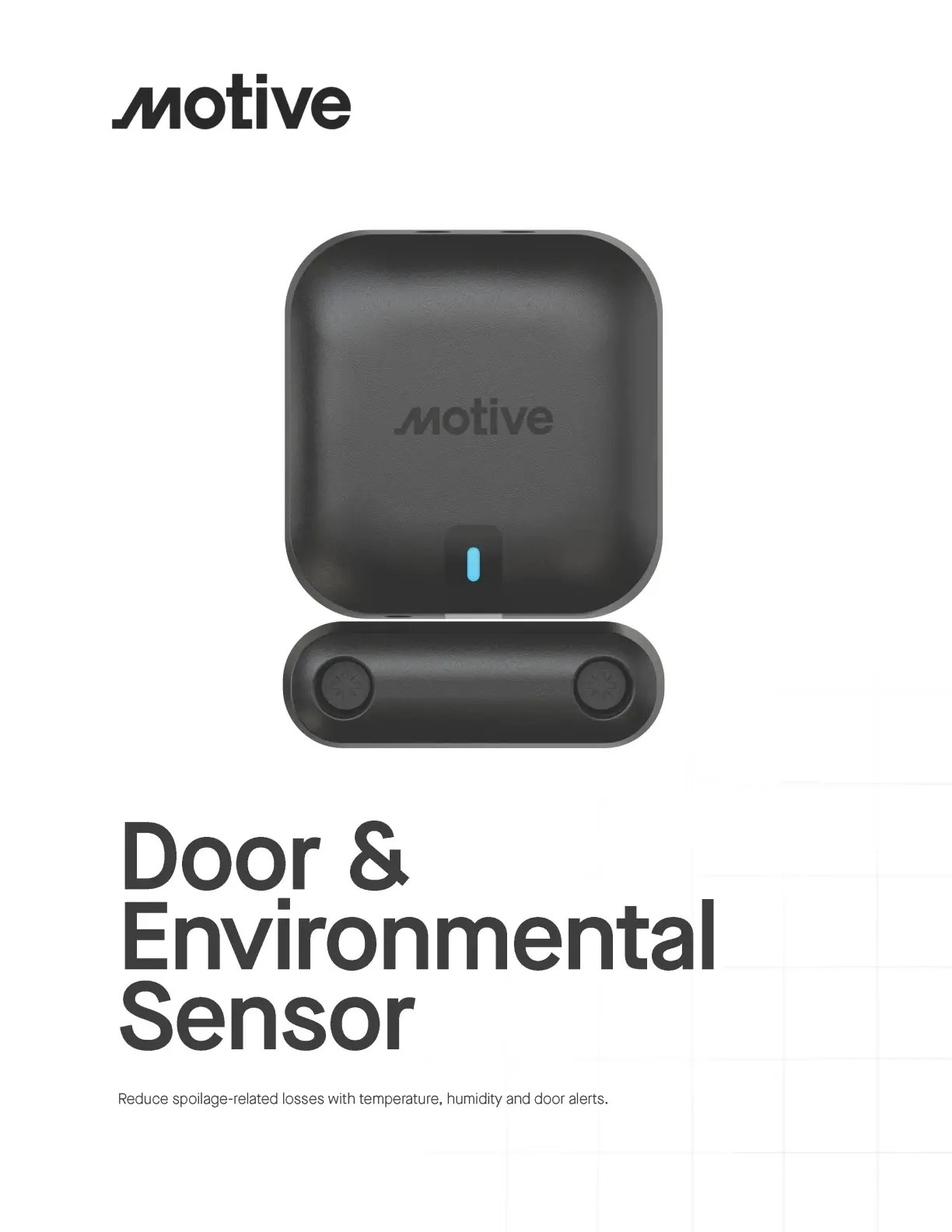

Motive's product page lists an Environmental Sensor and a Door and Environmental Sensor. Motive lists both on its product page. The help article we reviewed for this page covers the Environmental Sensor only. It does not list which readings the sensor captures and says only that its telematics data shows up in the platform. It does not describe the door version at all. Our separate Door and Environmental Sensor guide covers the door version. For readings and door details, ask Motive before you promise a customer a particular measurement.
The sensor pairs with an Asset Gateway. While it pairs, the light blinks blue, and pairing can take up to 10 minutes. The serial number is on the bottom label before installation and on the right side after the sensor is mounted, so note it before you stick the unit down.
The sensor uses a non-rechargeable CR2477X battery, which performs better in cold conditions. Motive's help center says it should last at least three years under normal use and recommends a Murata cell specifically. The 2026 spec sheet lists 2 to 3 years depending on environmental conditions, so plan around the shorter figure. Replace it when the light turns solid red. To change it, remove the lid's T6 screws, swap the battery, make sure the waterproof rubber seal sits in its groove and tighten the lid.
| Light | Meaning | Fix |
|---|---|---|
| Blinking blue | Pairing with an Asset Gateway | Wait up to 10 minutes |
| Solid red | Low battery | Replace the CR2477X battery |
| Blinking red | The paired gateway was not found, often when the Asset Gateway Mini is on battery | Move the gateway closer, hold its pinhole for 8 seconds, then press the sensor button to restart |
| Blinking yellow | Weak signal but still paired | Mount the sensor closer to the gateway |
| Blinking white | Firmware update | Wait for solid blue |
If the light keeps blinking white or the red fix fails, contact Motive support.
Sometimes a sensor showed solid blue at install and then stops sending data. Motive's steps are:
1. Hold the pinhole button for 8 seconds, then release, to reset to the starting configuration.
2. Press the pinhole button briefly, about one second, to enter connection mode.
3. The light blinks blue for about 20 seconds while the sensor reboots and reconnects.
4. After 10 minutes, press the button again. Solid blue means the connection is back.
5. If data still does not appear, contact Motive support.
A blinking yellow light means a weak signal, and the fix is to mount the sensor closer to the Asset Gateway. Plan the sensor spot with the gateway location in mind, and test the pairing before you mount the sensor for good.
Pair it, note the serial, watch the light. Blue is pairing, red is a problem and yellow means move it closer. Battery is a CR2477X.
Trailers and equipment that already carry an Asset Gateway and need extra readings reported with it.
Ask Motive which readings each sensor captures and how the door version works, because the articles we read do not say.
The battery is low. Replace it with a CR2477X.
Up to 10 minutes, with a blinking blue light while it pairs.
On the bottom label before installation and on the right side after installation.
Sources: Motive help center sensor troubleshooting guide, read Nov 25, 2026
Tell us how many vehicles you run and what you want to see, and we will match you to the right Motive devices and the install that goes with them.
We Supply It. We Install It. One Call.
