
A bolt-on camera for views the windshield camera cannot see: the side, the rear, the passengers and the cargo.
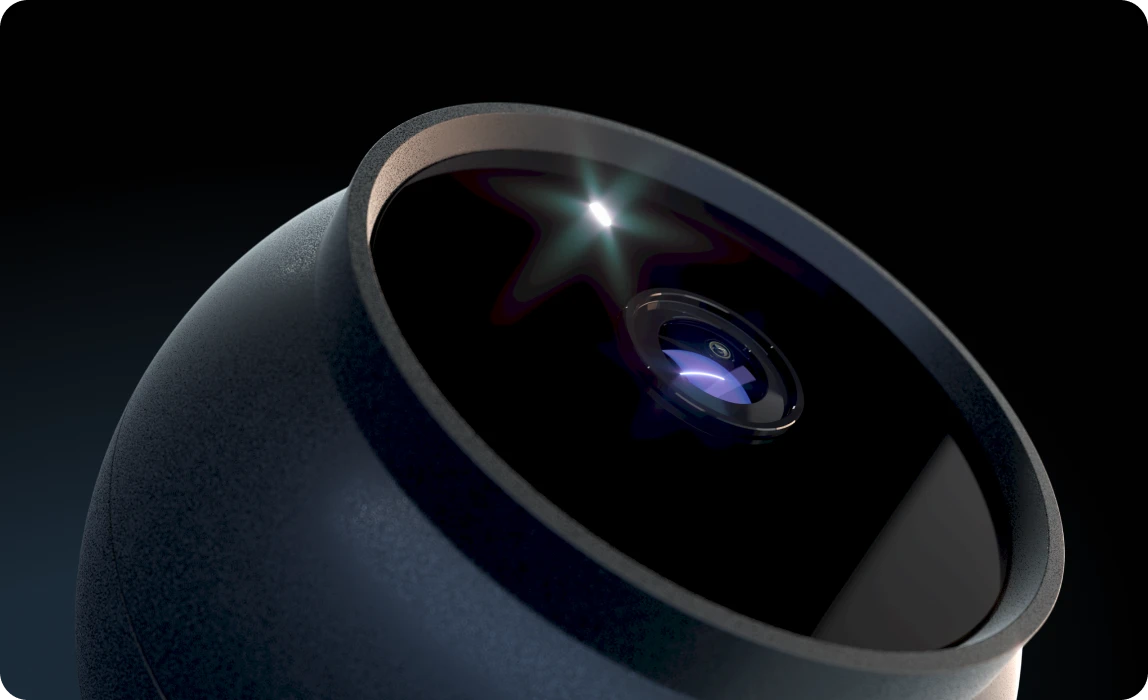
The AI Omnicam is an add-on camera. It watches places the windshield camera cannot: the side of a truck, the rear of a trailer, the seats of a motorcoach or the inside of a cargo area. Motive shows side-facing mounts on a truck cowl panel, a construction vehicle mirror or a light-duty vehicle. Rear-facing mounts go on trailers, box trucks, pickups and construction vehicles. A passenger camera goes in a motorcoach and a cargo camera in a trailer.
For a standard install the Omnicam needs a Vehicle Gateway at version 3.55CA or higher plus either an AI Dashcam (DC53 or DC54) or a Smart Dashcam (DC33 or DC34). Motive also supports a standalone Omnicam that is assigned directly to an asset, with no gateway or dashcam. That suits trailers and flatbeds.
One front housing, one rear housing and one metal plate. The hardware is one grommet, ten M3 screws, four M4 bolts, eight washers, four locknuts, one Allen key and one reset pin.
Motive's wiring guide shows a red lead for 12 or 24 volt power, a black lead for ground and a 5 amp fuse in the power line. An Omnicam that gets no power will show no light, so check the supply is a true 12 or 24 volts before you suspect the camera. In the Fleet App, sign in, open Devices and follow the install prompts. Create the camera and assign it to the vehicle or asset profile. Keep the camera serial number and the vehicle ID together in your install record, so a support call goes quickly. If the camera shows no light, measure the voltage at its power lead before you blame the camera.
Motive lists four storage modes with about 230, 195, 100 and 55 hours of footage.
Solid white means the camera is recording properly. Slow flashing white means it is starting up. Fast flashing white is an error state, and Motive points to its help article for that. A camera that is off gives you no light at all.
Motive warns that a device that is not mounted properly can come loose and cause serious injury. Bolts, mounts and other hardware can loosen over time, so inspect them from time to time. If you do not have mechanical experience, use a professional installer.
Symptoms are no recording, no light, or recording that cannot be started. The likely causes are software that has stopped responding or a missing 12 or 24 volt supply. Do a pinhole reset first. If it still shows no light, confirm the cabling delivers the right voltage. If the light stays off after that, contact Motive Support with the camera's serial number or the vehicle ID ready.
Bolt-on camera, wired to 12 or 24 volts with a 5 amp fuse. White means recording. Reset first, check voltage second.
Trailers, box trucks, motorcoaches and equipment that need side, rear, passenger or cargo coverage.
Confirm the gateway version and which dashcam the vehicle already has, or ask Motive about the standalone setup.
For a standard install, yes, plus an AI Dashcam or Smart Dashcam. A standalone Omnicam can be assigned directly to an asset without one.
12 or 24 volts. Motive's guide shows a red power lead, a black ground and a 5 amp fuse.
An error state. Try a pinhole reset and check the power supply.
Sources: Motive help center AI Omnicam guides, read Nov 25, 2026 · Motive Omnicam install page, read Nov 25, 2026
Tell us how many vehicles you run and what you want to see, and we will match you to the right Motive devices and the install that goes with them.
We Supply It. We Install It. One Call.
