

Most Zonar install problems come down to the cable, not the device. The tracker or camera is the same on every vehicle, but the power lead, the data cable and any splitter change with the vehicle's ports and with what else is already plugged in. This page lists the cables and adapters Zonar sells for both its main platform and its small fleet line, grouped by what they connect.
How Do We Choose the Right Zonar Cable?
We look at three things on the vehicle. First, which diagnostic port it has: a 16-pin OBD-II port on cars, pickups and vans, a 9-pin Deutsch port on most heavy trucks, an older 6-pin Deutsch port on some, an RP1226 connector on many newer trucks, or none at all on equipment and trailers. Second, whether another device already uses that port, in which case a Y cable or splitter lets both share it. Third, whether the install needs inputs such as PTO, doors or plow switches, which adds the I/O cable.
Which Cables Power the Zonar V4?
| Cable | What it is for | |
|---|---|---|
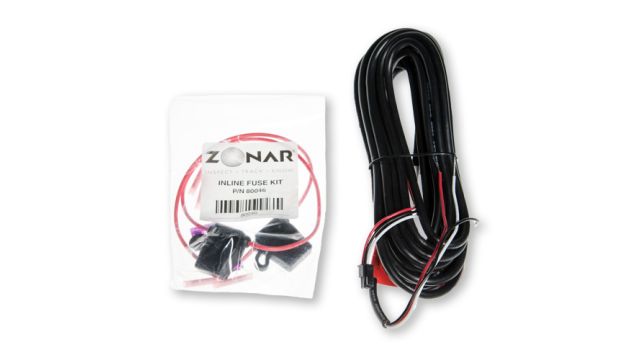 | GPS 4-Pin Power Cable Assembly Part 10085 | Standard 3-wire power lead for the V4: red constant, white switched, black ground. Used on vehicles without OBD-II and on J1708 or J1939 installs. |
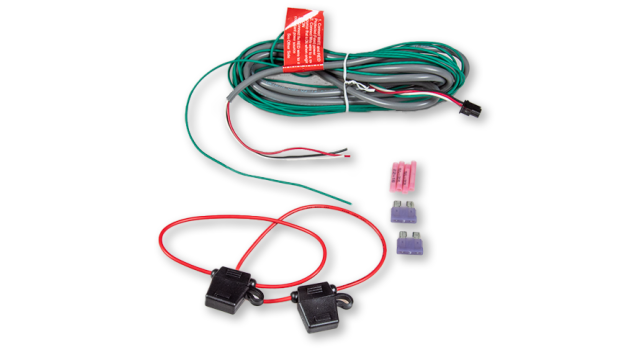 | GPS 4-Pin Power Cable with Chassis Ground Part 10086 | Adds a green chassis ground wire for machines with a battery disconnect on the negative side, usually construction equipment. |
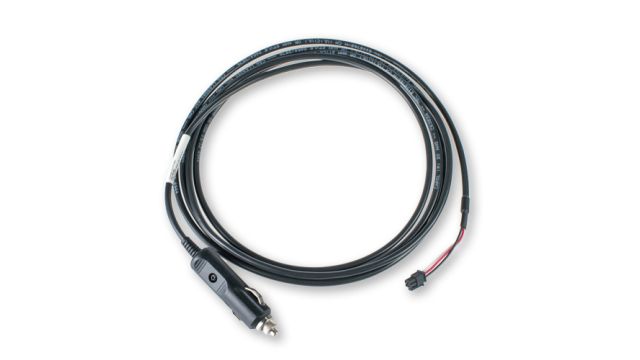 | GPS 4-Pin Power Cable with Lighter Adapter Part 80260 | Powers the unit from a lighter socket. |
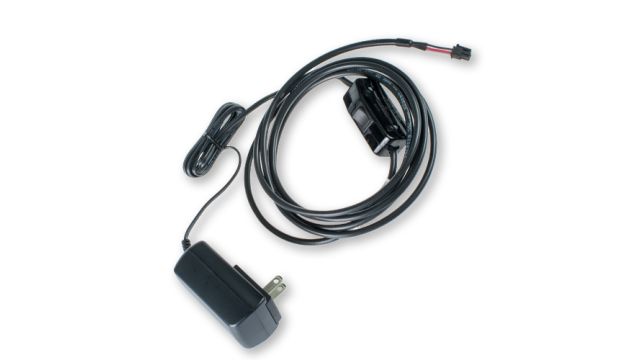 | 4-Pin Power Cable (110 AC / 12 VDC) Part 80989 | Power cable rated for 110 V AC or 12 V DC sources. |
| Power Y-Splitter Part 81772 | Splits one power feed to two devices. |
Which Cables Connect the V4 on Heavy Trucks?
Heavy trucks connect through the 9-pin port, the vehicle's network backbone or the RP1226 connector, depending on the truck and what is already installed.
| Cable | What it is for | |
|---|---|---|
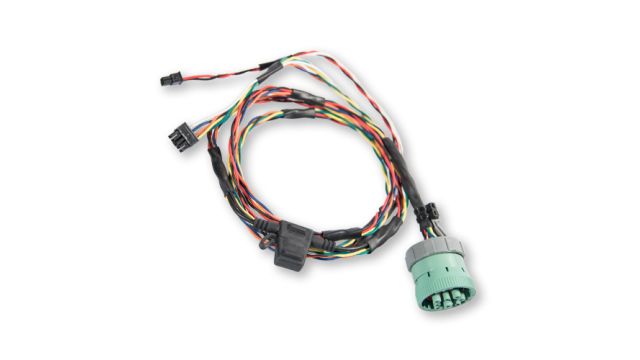 | 9-Pin GPS Diagnostic Cable Part 81523 | Connects the V4 to the 9-pin Deutsch J1939 port, usually under the driver side dash. |
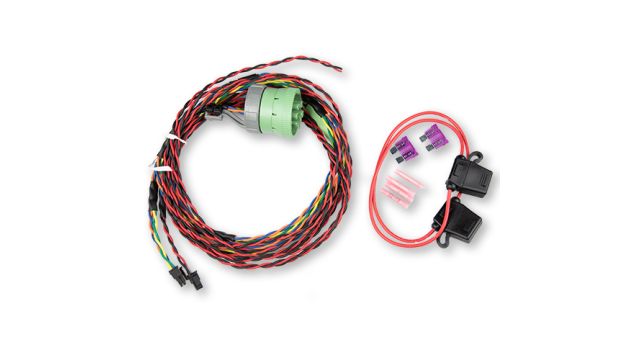 | 9-Pin 500k Diagnostic Cable Part 81597 | The 9-pin connection for trucks whose J1939 network runs at 500k. |
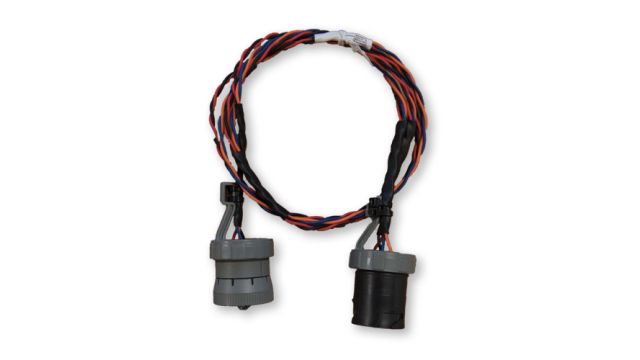 | 6-Pin to 9-Pin Adapter Cable Part 81632 | Adapts the 9-pin cable to the older 6-pin Deutsch J1708/J1587 port. |
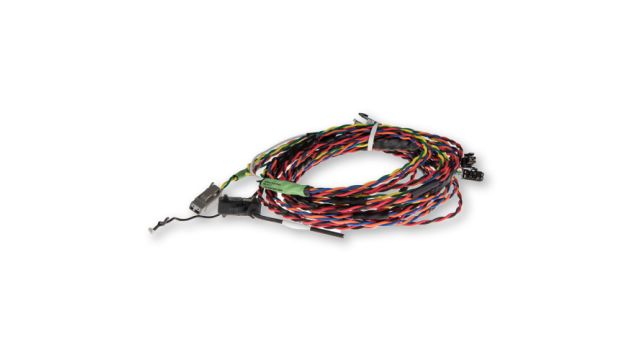 | Deutsch 2-Pin Cable Part 81517 | Backbone connection for heavy-duty J1708/J1587 or J1939 networks; uses vehicle-specific adapters. |
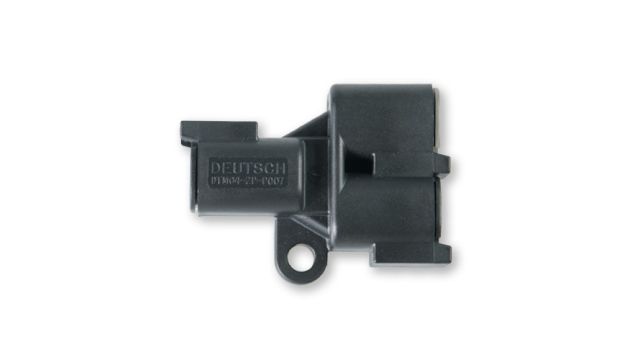 | 2-Pin Deutsch Y-Splitter Part 80082 | Splits a 2-pin backbone connection so two devices can share it. |
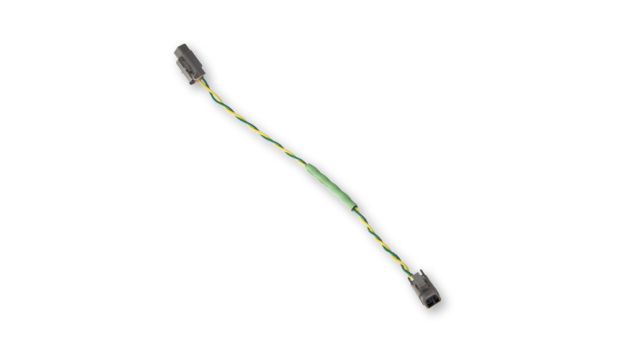 | Backbone Extension 500K Cable Part 81524 | Extends a 500k J1939 backbone run to reach the unit. |
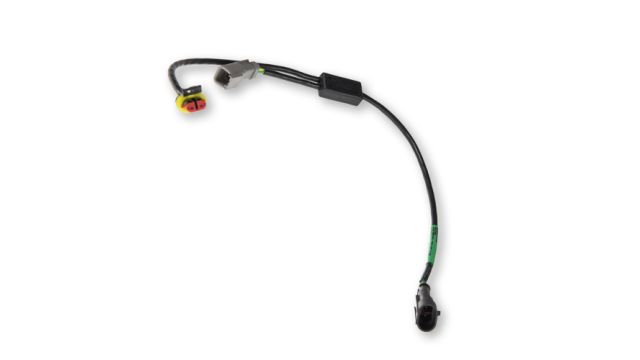 | AMP 2-Pin Universal Node Super Seal Cable Part 81526 | Ties into an AMP Super Seal style 2-pin node on the vehicle network. |
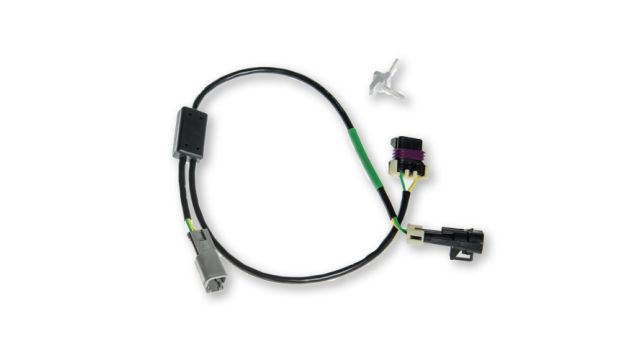 | Met150 2-Pin Universal Node Cable Part 81527 | Ties into a Met150 style 2-pin node on the vehicle network. |
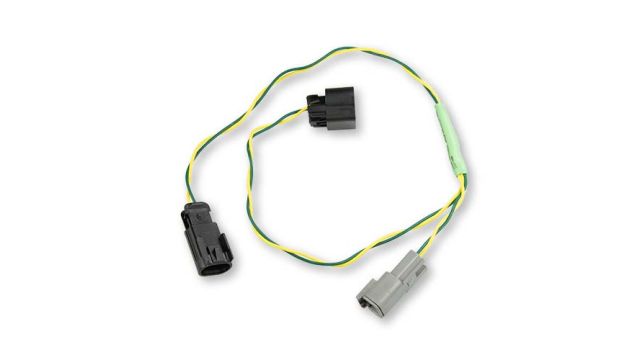 | J1939 Universal Node DelphiGT 500k Cable Part 81530 | Ties into a Delphi GT style J1939 node at 500k. |
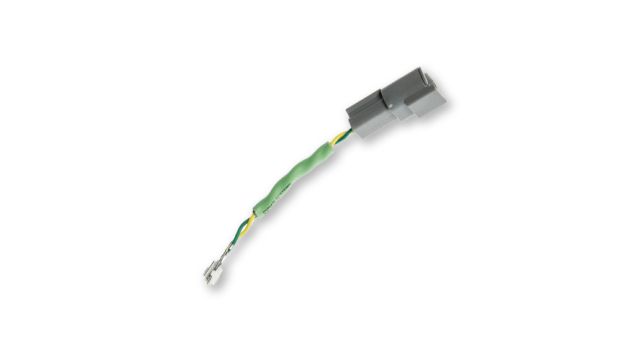 | Splice Pack Adapter Cable Part 81532 | Connects at a network splice pack instead of the diagnostic port. |
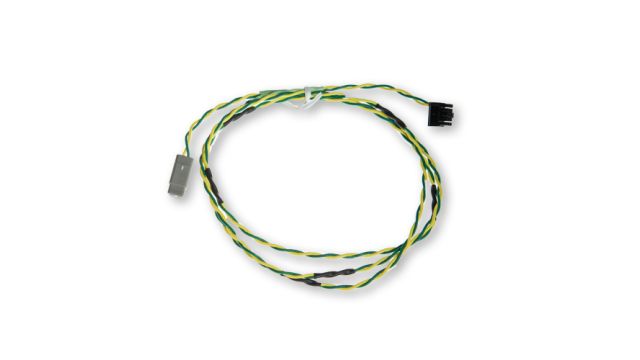 | 10-Pin to 2-Pin Retro Adapter Cable Part 81528 | Adapts the V4 10-pin data port to a 2-pin backbone connection on retrofit installs. |
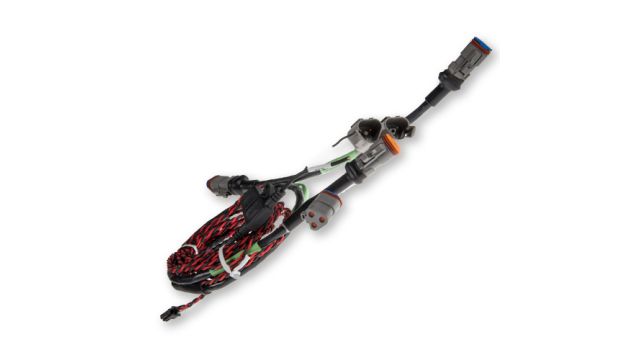 | 3-Pin J1939 500K Cable Kit Part 81599 | Kit for 3-pin J1939 connections at 500k. |
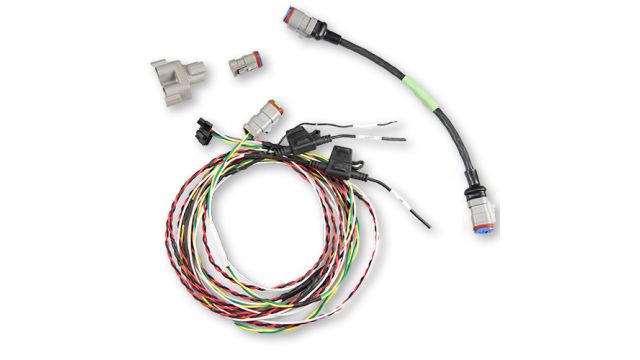 | 3-Pin Deutsch Cable Kit, White Wire Part 81652 | Kit for 3-pin Deutsch connections, with a white lead. |
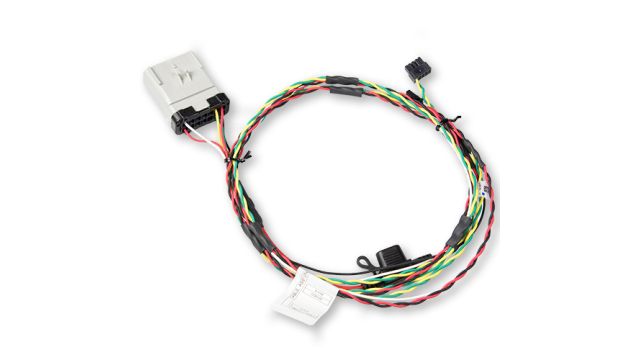 | Cable Assembly RP1226 (Universal) Part 81670 | Plugs into the RP1226 in-cab connector that many newer heavy trucks provide for telematics and ELDs. |
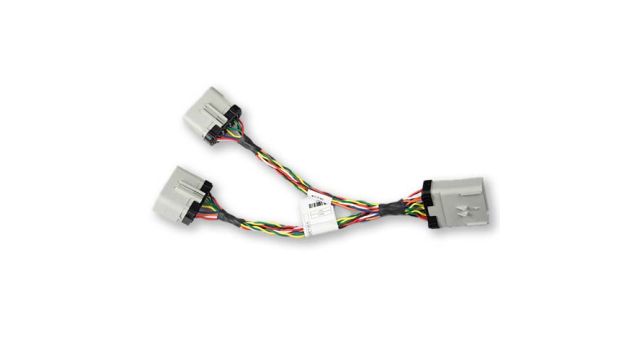 | RP1226 Splitter Part 81675 | Lets two devices share one RP1226 connector. |
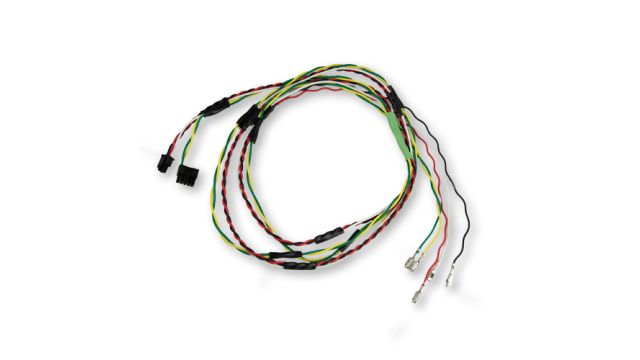 | Next Gen Cascadia Retrofit Cable Part 81635 | Retrofit cable for the Next Gen Freightliner Cascadia. |
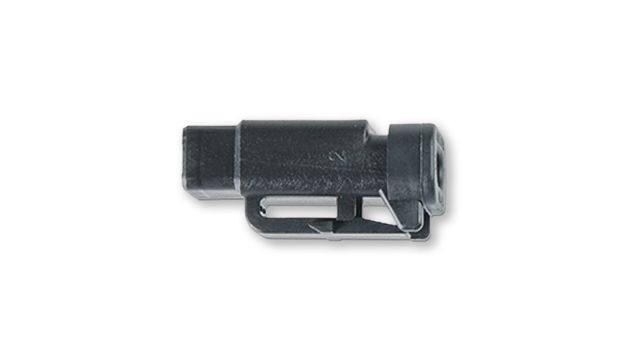 | 2-Pin Deutsch Terminating Resistor Part 80083 | Terminates a 2-pin Deutsch backbone run. |
Which Cables Connect the V4 on Light-Duty Vehicles?
| Cable | What it is for | |
|---|---|---|
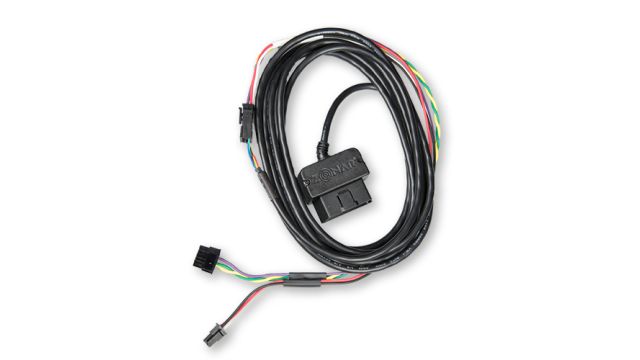 | GPS Light Duty Cable Kit Part 81153 | Connects the V4 to an OBD-II port. Includes the Light Duty power/data cable and the breakout cable. Not for hybrids or vehicles with other aftermarket OBD-II devices. |
| Light Duty Break Out Cable Part 80999 | The breakout half of the Light Duty kit. | |
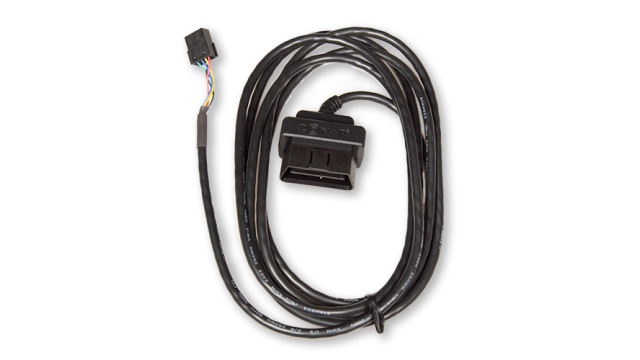 | Light Duty Dongle Cable Part 81722 | Light-duty OBD-II data connection. |
| Dual CAN OBD Direct Cable Part 81734 | Direct OBD connection that carries two CAN networks. | |
| OBD Direct Cable Part 81735 | Direct OBD connection. | |
| OBDII Splitter Cable Part 81736 | Lets two devices share one OBD-II port. |
Which Cables Add Inputs, Z Pass and EVIR?
| Cable | What it is for | |
|---|---|---|
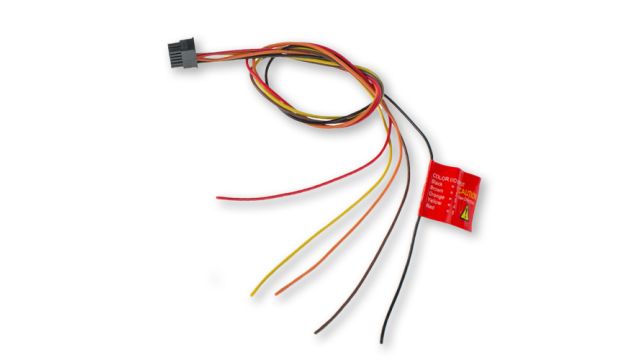 | 5-Pin Data I/O Cable Part 80059 | Discrete input cable for PTO, doors, plows and other switched systems on the V4. |
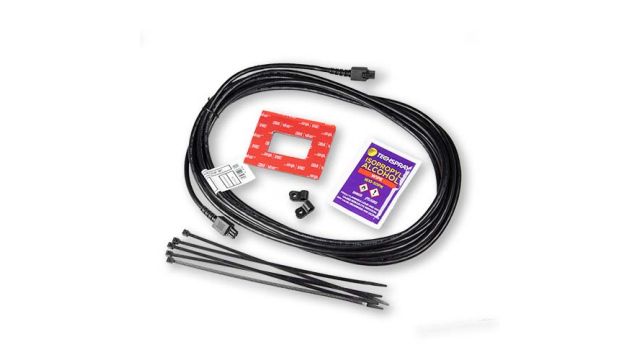 | Z Pass Cable Accessory Kit Part 30037 | Connects the Z Pass rider reader to the V4 accessory port. |
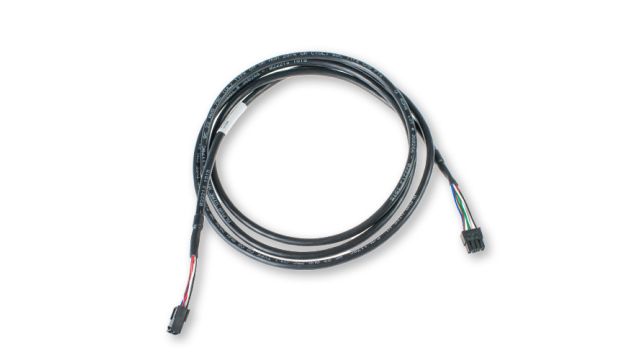 | 2010 Cradle Extension Cable Part 80038 | Extends the connection to the 2010 EVIR reader cradle. |
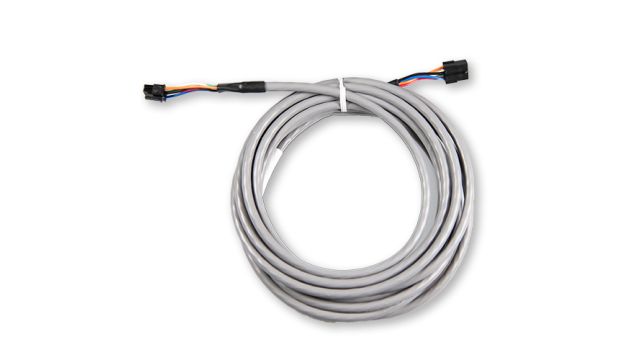 | 2010 Cradle Extension Cable (14 ft) Part 81655 | Longer cradle extension for larger cabs and buses. |
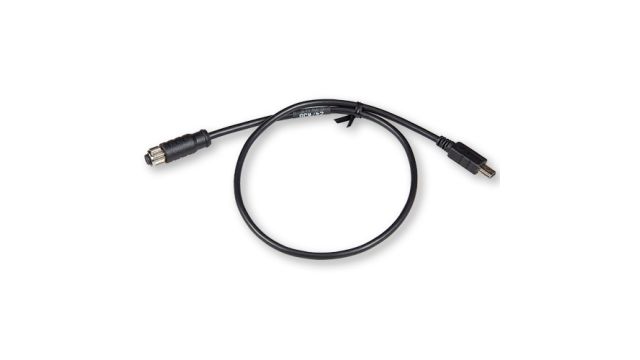 | Cable Adapter M8 to USB Mini Part 81760 | Small adapter cable for USB mini connections. |
Which Cables Fit the Rugged V4R?
| Cable | What it is for | |
|---|---|---|
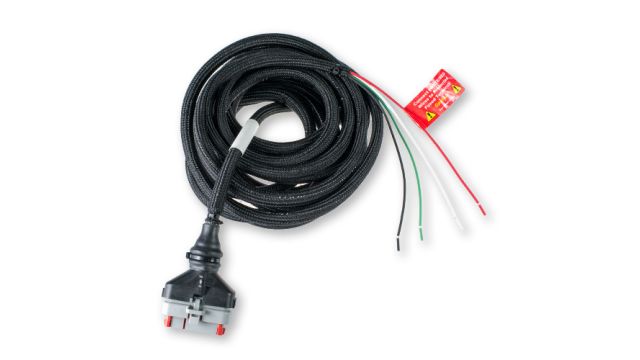 | V4R Power Cable Part 81313 | Power cable for the rugged V4R. |
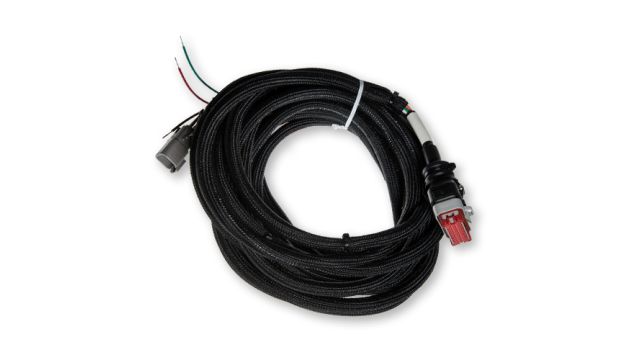 | V4R Power Cable with EVIR Part 81324 | V4R power plus the EVIR reader connection. |
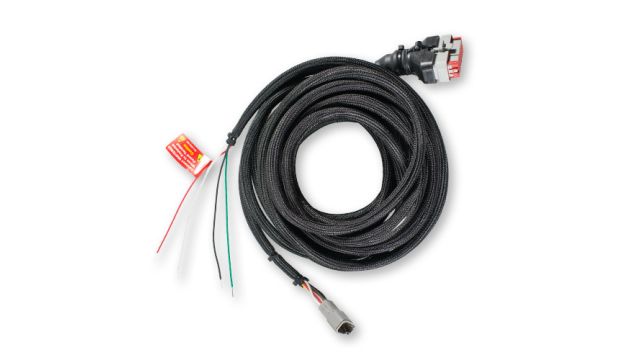 | V4R Power Cable with EVIR and Inputs Part 81326 | V4R power, EVIR connection and discrete inputs in one harness. |
Which Cables Connect Tablets?
| Cable | What it is for | |
|---|---|---|
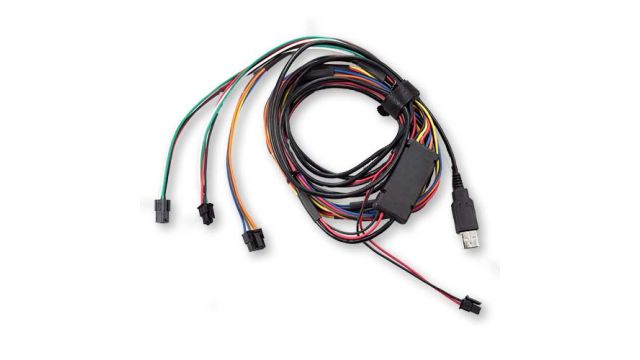 | Samsung Galaxy Tablet Cable Assembly Part 81656 | Connects a Samsung Galaxy rugged tablet to the vehicle system. |
| MioWORK Tablet Adapter Cable Part 81755 | Adapter for MioWORK tablets. |
Which Cables Power Zonar Cameras?
| Cable | What it is for | |
|---|---|---|
| DF22 / FF22 OBD2 Power Cable Part 81797 | OBD-II power for the Zonar DashCam DF22 and FF22. | |
| Coach DF22/FF22 Molex Power Cable Part 81773 | Molex power connection for the Zonar DashCam DF22 and FF22. | |
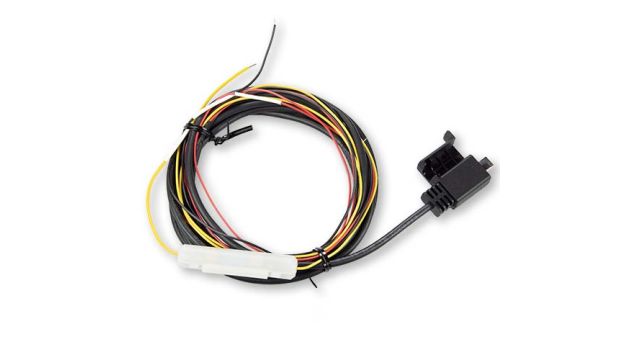 | Zonar DashCam Open Wire Power Cable Part 20163 | Hardwired power for the Zonar DashCam. |
| TVI Cable Extension 5M Part 81742 | Extends a TVI camera cable by 5 meters. | |
| TVI Cable Extension 10M Part 81743 | Extends a TVI camera cable by 10 meters. | |
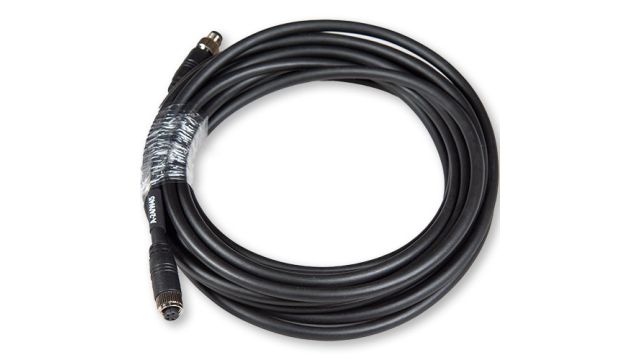 | USB Extension Cable 10M Part 81758 | 10 meter USB extension cable. |
Which Accessories Fit the Small Fleet Line?
These go with the Geo 88, LMU-2630 and VidFleet AI Recorder.
| Accessory | What it is for |
|---|---|
| VidFleet OBD 12V to USB-C Cable | Powers the AI Recorder from the OBD-II port. |
| VidFleet J1939 to USB-C Cable | Powers the AI Recorder from a heavy truck's 9-pin J1939 port. |
| OBDII Y Cable | Lets a plug-in tracker and the AI Recorder share one OBD-II port, and moves a Geo 88 up under the dash. |
| J-Bus 9-Pin Square to OBD Cable | Fits the Geo 88 to a heavy truck with the square-style 9-pin port. |
| J-Bus 9-Pin Hex to OBD Cable | Fits the Geo 88 to a heavy truck with the hex-style 9-pin port. |
| Windshield Mounts, Wedge and Flat | Wedge for raked car and van windshields, flat for upright heavy truck glass. |
| Replacement SD Card | High-endurance card for the AI Recorder. |
| Auxiliary Camera | Side, rear or cargo camera for the AIR-II. |
What Should Installers Know About Zonar Cables?
Check the port before ordering. Square and hex 9-pin ports take different J-Bus cables on the small fleet line, and on the V4 the 9-pin, 6-pin, backbone and RP1226 options are not interchangeable. The Light Duty kit is only for vehicles labeled OBD-II compliant, never for hybrids, and not where another aftermarket device already sits on the OBD-II network. On every hardwired power lead, the switched wire must follow the engine or ignition, never constant power. When two devices need the same port, use a Y cable or splitter rather than stacking adapters, so the port stays usable for the shop.
Sources: Zonar store cable and hardware catalog, Zonar V4 User Manual and Installation Guide, Zonar affiliate accessory list. ZONAR is a trademark of Zonar Systems, Inc. Other product names belong to their owners. API Signal is an independent installer and is not Zonar.
What Are Common Questions About Zonar Cables?
Which cable connects a Zonar V4 to a heavy truck?
Usually the 9-pin GPS diagnostic cable into the 9-pin Deutsch port. Older trucks with a 6-pin port add the 6-pin to 9-pin adapter, and some installs connect at the backbone or an RP1226 connector instead.
Can two devices share one diagnostic port?
Yes. Zonar sells OBD-II, 2-pin Deutsch and RP1226 splitters, and the small fleet line uses an OBD-II Y cable for the same job.
Can the Light Duty cable go on a hybrid?
No. Zonar says the Light Duty cable is not for hybrids or for vehicles with other aftermarket devices on the OBD-II network.