
A small tag for assets that never need a cellular tracker. Nearby Motive devices pick it up and report where it was last seen.
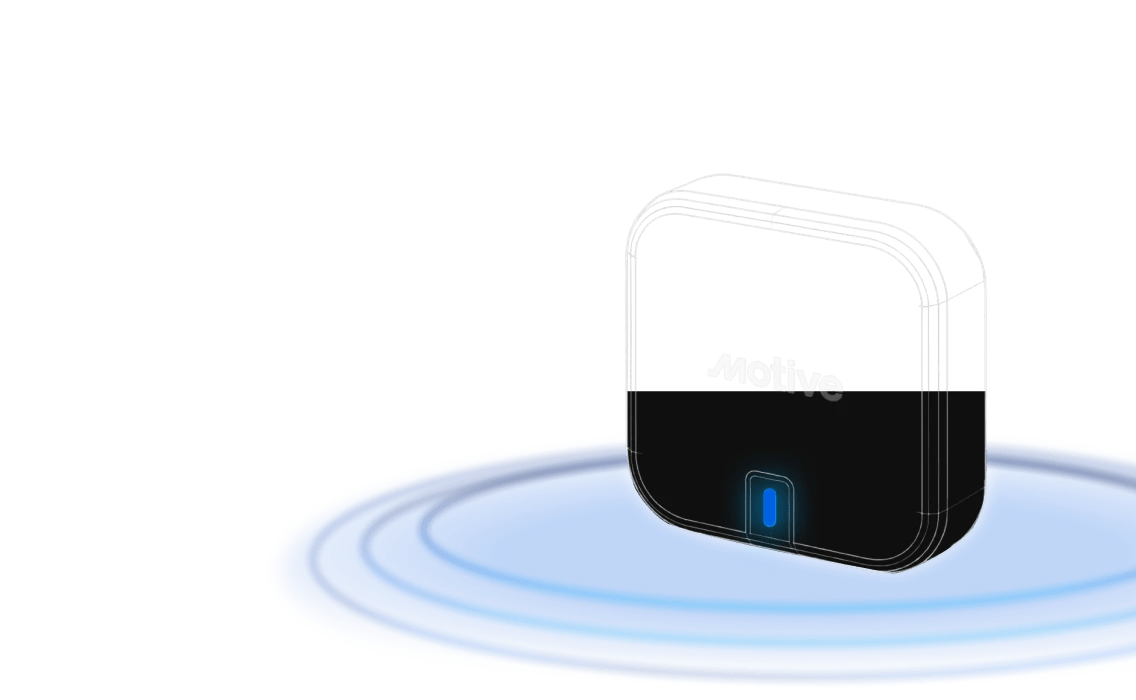
The Beacon is a battery-powered tag that uses Bluetooth only. It does not have its own cellular connection. Once it is broadcasting, nearby devices on the Motive Mesh Network detect its signal and report its last-seen location to the Motive platform. You then see it in the Fleet Dashboard or the Fleet App. That makes it a way to keep track of tools, trailers, containers and other assets that spend their time near Motive-equipped vehicles.
Because it depends on nearby Motive devices, a Beacon reports only when one of them passes within range. It shows where the asset was last seen, not a live position.
The Beacon, a mounting plate, a reset pin, an alcohol wipe, screws for the plate (small ones for metal, large ones for wood), device screws and spare adhesive. You need a T6 Torx screwdriver and a ladder for high spots.
1. Clean the spot with the alcohol wipe.
2. Peel the backing from the plate and press it onto the clean surface.
3. Fasten the plate with the small screws on metal or the large screws on wood.
4. Attach the Beacon to the plate and secure it with the T6 device screws.
Clean the surface thoroughly so the adhesive holds, and match the screw size to the material.
The Beacon does not turn on or activate remotely. Press the pinhole reset button on the side with the reset pin to start it broadcasting. Press it again later to confirm it is still broadcasting.
| Flash | Meaning |
|---|---|
| One green | Broadcasting has started after activation |
| Two green | The device rebooted and resumed broadcasting |
| One blue | Broadcasting normally after a pinhole press |
| One orange | An error occurred |
| One white | Firmware is updating |
| One red | Entering ship mode, broadcasting has stopped to save power |
A blue flash after a pinhole press is the confirmation you want. A red flash is the one to watch, because the Beacon has stopped broadcasting to save power.
In the Fleet App go to More, then Devices, then tap Install Beacon. In the Fleet Dashboard go to Admin, then Assets, then Add Asset. Click Assign Beacon, select your Beacon and click Assign. It should then appear in the Fleet View list. If it does not, refresh the page.
Flip the device and take out the back screws with the T6 screwdriver. Swap in a Murata CR2477X battery. Seat the waterproofing rubber seal in the groove of the top housing, put the lid back and tighten the screws. Check that the seal sits in its groove before you close the lid.
Clean, plate, screw, pinhole. A blue flash means it works and a red flash means it has stopped. Battery is a CR2477X.
Tools, trailers and equipment that usually sit near Motive vehicles and only need a last-seen position.
Ask Motive how many Motive devices are likely to pass your assets, because a Beacon only reports through them.
No. It uses Bluetooth only, and nearby Motive devices report where they last saw it.
Press the pinhole reset button on the side with the reset pin. It cannot be turned on remotely.
A Murata CR2477X, replaced by removing the back screws with a T6 screwdriver.
Sources: Motive help center Beacon installation guide, read Nov 25, 2026
Tell us how many vehicles you run and what you want to see, and we will match you to the right Motive devices and the install that goes with them.
We Supply It. We Install It. One Call.
