
GPS tells you where the truck is. PTO and aux integration tells you what it is actually doing — boom up, pump running, spreader on. That is the data that proves billable work and catches waste.
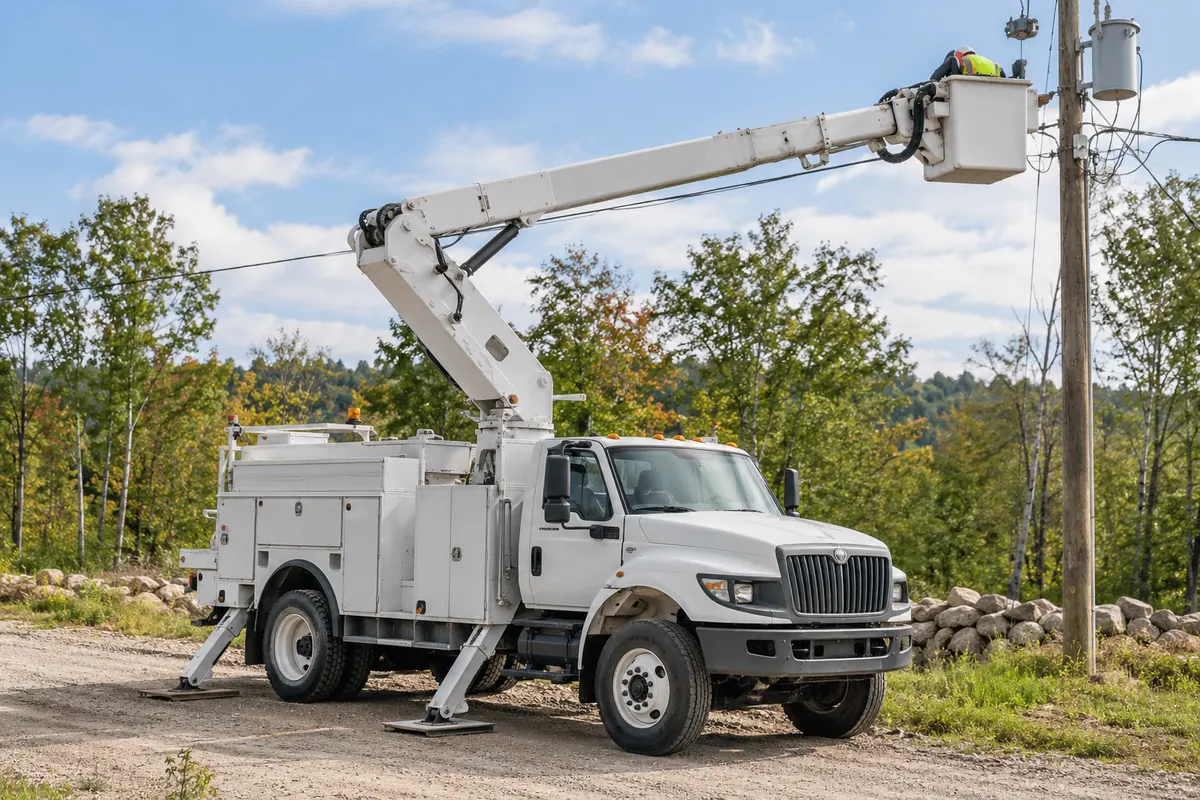
For service, utility, construction, and municipal fleets, "the truck was on site for 4 hours" is not the number that matters — "the boom was in operation for 2.5 of them" is. PTO and auxiliary-input integration feeds real work status into your telematics platform, which means verified billing, accurate job costing, honest idle data, and maintenance intervals based on actual equipment hours instead of guesses.
Aux integration means working inside vehicle electrical systems that also run hydraulics, lighting packages, and upfitter circuits. Sloppy work here does not just lose data — it strands trucks. Our installers have 35 years of 12-volt experience across work-truck upfits, and every integration is function-tested against the platform before the vehicle goes back in service.
See all the types of GPS trackers and fleet systems we install.
Once the PTO or aux signal reaches the telematics device, your platform can show when the equipment actually ran, not only when the truck was on site. Fleets use that to bill a job by equipment hours, to spot trucks that idle with the PTO off, and to schedule pump, boom or spreader service by hours of use instead of miles. The signal is only as good as the wiring behind it, which is why each integration is tested on the truck against the platform before it goes back to work.
Send the vehicle year, make and model, the type of body or equipment on it (boom, pump, spreader, plow or lift gate), and the telematics platform and device you run. Photos of the PTO switch or the equipment control area help us tell you what is possible before we touch the truck. Older trucks and upfitted bodies take more investigation, and we will say so up front instead of guessing.
Common questions
Most major platforms do — Geotab (via IOX-AUX), Samsara, Motive, Verizon Connect, Zonar and others. We wire the vehicle side correctly for whichever platform you run.
Usually, yes. Older vehicles and upfitted bodies take more investigation, but that is exactly the work we have done for three decades. Send us the vehicle details and we will tell you what is possible.
It adds time to a standard telematics install, depending on how easy the equipment is to reach, and we confirm the schedule on your written quote.
Equipment hours — not miles — drive wear on pumps, booms, and spreaders. Feeding true PTO hours into your platform lets you service equipment on real usage instead of calendar guesses.
One vehicle or a full fleet rollout — call/text 803-513-1009 or request a quote below.
Get a Free QuoteGet in touch
Fleet install or reseller partnership — we respond within 24 hours. Or call/text 803-513-1009 directly.
Answer a few quick questions and we will build your custom quote in minutes.
Get a Quote