
 Mastering Geotab
★ Geotab Products · IOX Add-On
Mastering Geotab
★ Geotab Products · IOX Add-On
The IOX-USB keeps a driver's phone or tablet charged from the Geotab GO device and links it to the vehicle for apps like Geotab Drive. Here is what it does, what it draws, and how it should be installed.
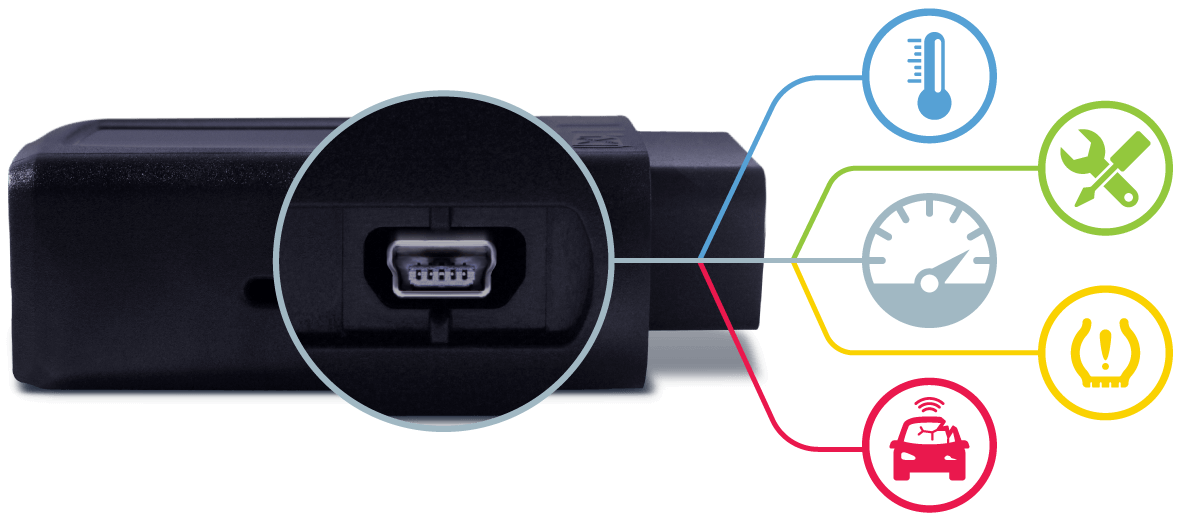
Fleets that put tablets or phones in the cab for electronic logs, inspections, dispatch or navigation run into the same problem: the device dies halfway through the shift, or a driver runs a loose charger off the power outlet that falls out on the first bump. The IOX-USB is Geotab's answer. It is an IOX expansion module with a USB Type-A charging port that draws its power from the GO device, so the mobile device stays charged whenever it is plugged in.
The driver's own USB cable, the one supplied with the phone or tablet, connects to the IOX-USB port. Geotab recommends a one meter cable. The earlier IOX-USBM is discontinued, and this module replaces it.
| Spec | Detail |
|---|---|
| USB output | 5 V / 1.5 A, female USB Type-A |
| Data interface | USB 2.0 full speed host, up to 12 Mbit/s, Android Open Accessory protocol |
| Input voltage | 12 V / 24 V nominal |
| Current draw, no USB load | 40 mA typical; 0.4 mA sleep |
| Current draw with load | About 290 mA at 500 mA load, 540 mA at 1000 mA, 800 mA at 1500 mA |
| Interface | CAN at 500 kbps for daisy chaining |
| Overall length | 1190 mm |
| Weight | 64 g |
| Operating temperature | -40 °C to +85 °C |
| Compatibility | GO7 and newer; charging on Base, Pro, ProPlus and Regulatory plans; USB data needs ProPlus |
Charging load changes the power math. With a tablet pulling the full 1.5 A, the module draws about 800 mA from the IOX chain, so we total the maximum draw of every module before adding anything else to the same GO device. Geotab requires professional installation and says the GO device must be unplugged first. The USB receptacle should be mounted or concealed where it does not interfere with driving, and the wire routed to match. On permanent installs, Geotab advises taping or otherwise securing the two USB ends together so vibration does not separate them. The IOX-USB cannot share a GO device with the older IOX-USBPWR or IOX-USBF and USBM modules. If third-party data is part of the plan, the USB data parameter is applied and the plan level confirmed before the app is set up.
The IOX-USB fits any fleet that keeps a phone or tablet in the vehicle for Geotab Drive, logs, inspections or dispatch, and wants charging and vehicle assignment handled at the hardware level. It is not a USB hub and it does not replace the device's own cable. Fleets that need to connect serial equipment such as scales or gas monitors should look at the IOX-RS232, and fleets integrating CAN-based third-party sensors should look at the IOX-CAN.
Geotab lists a sleep draw of 0.4 mA for the module, and the connected display follows the ignition. Total chain draw still needs to stay within the GO device's limit.
Third-party USB data transfer requires ProPlus. Geotab states that Pro plan devices upgrade automatically, with charges, once data transfer starts, and Base plan devices must request an upgrade. Charging alone does not require that.
Geotab says to use the cable supplied with the phone or tablet, ideally one meter long. We can supply and install the module and mount the port where the driver can reach it.
API Signal supplies the IOX-USB and installs it at your yard, with the port placed where drivers can reach it and the wiring kept out of sight. Give us a call at 803-513-1009, or ask through Get a Quote.
Sources: Geotab IOX-USB support document; Geotab Marketplace IOX-USB listing; Geotab guide to IOX add-ons. GEOTAB is a registered trademark of Geotab Inc. API Signal is an independent installer and is not Geotab.
Tell us how many vehicles and what they are. We'll quote the hardware and the install together.